

This guide covers How to Improve Website Loading Speed in practical terms—what to prioritize first, common pitfalls, and how to apply the ideas step by step.
Improving website loading speed is essential to enhance user experience, boost SEO rankings, and increase conversion rates. In today’s digital landscape, where users expect instant access to information, a slow website can drastically affect your online presence. By understanding the importance of website speed and implementing effective strategies, you can ensure your site remains competitive and engaging for your audience.
Last updated: April 2026
Understanding the Importance of Website Loading Speed
Website loading speed is crucial because it directly impacts user experience and search engine optimization (SEO). A fast-loading website keeps users engaged, reduces bounce rates, and ultimately, increases conversion rates. According to Google, speed has been a significant ranking factor since 2018, and its importance continues to grow in 2026. A website that loads quickly can improve your site’s visibility and credibility in search engine results.
Moreover, the impact of loading speed extends to conversion rates. Studies show that even a one-second delay in page load time can lead to a 7% reduction in conversions. This is particularly important for eCommerce sites looking to “Improve Conversion Rate“. As online competition intensifies, ensuring a swift user experience becomes imperative.
In 2026, Google’s algorithm emphasizes speed more than ever, making it a critical element for SEO success. This emphasis on speed is not only about ranking higher but also about offering a seamless experience that keeps visitors coming back. By focusing on “How to Improve Website Loading Speed”, you can enhance both user satisfaction and search engine performance.
How to Assess Your Current Website Loading Speed
To assess your website loading speed, you can use tools like Google PageSpeed Insights, GTmetrix, and WebPageTest. These tools provide valuable insights into various performance metrics, helping you understand your site’s current speed profile. Key metrics to analyze include First Contentful Paint (FCP), Time to Interactive (TTI), and Total Blocking Time (TBT). These indicators help identify areas that need improvement.
Benchmarking your site against competitors is also important. By understanding where you stand, you can set realistic goals for improvement. However, it’s crucial to recognize that what constitutes a “fast” loading speed can vary depending on industry standards and user expectations. In 2026, a loading time of under 2 seconds is generally considered optimal.
Common misconceptions about loading speed can lead to misguided efforts. For instance, focusing solely on desktop performance while neglecting mobile optimization is a common pitfall. By addressing these misconceptions, you can create a comprehensive strategy to “Optimize WordPress for Speed” and ensure your site meets user expectations across all devices.
Strategies to Enhance Website Loading Speed
Improving the speed at which a website loads involves several strategies. A key aspect is ensuring images are optimized to enhance performance. This can be achieved by choosing efficient image formats, applying compression methods, and implementing responsive design to accommodate various screen sizes. These measures can greatly decrease loading times while maintaining high visual quality.
Implementing browser caching is another crucial step. By storing static files locally on users’ devices, you reduce the need for repeated requests, which speeds up load times for repeat visitors. Minimizing HTTP requests through methods like file concatenation and inline critical CSS can also streamline loading processes, especially for complex sites.
Is your website's loading speed holding you back?
Don't let slow loading times drive potential customers away. Request a free consultation to learn how our expert web design and optimization services can enhance your site's speed and increase conversions.
For more advanced strategies, consider using Content Delivery Networks (CDNs) and edge computing. These technologies help distribute content closer to users, leading to decreased latency and improved load times worldwide. By utilizing these tools, you can provide a fast and reliable experience for every visitor, which is essential for those looking to improve their site's visibility.
Common Mistakes in Improving Website Speed
While optimizing website speed, there are common mistakes to avoid. Over-reliance on plugins can bloat your site and slow down load times. It’s essential to evaluate the necessity of each plugin and consider alternatives that offer similar functionalities with less impact on performance.
Neglecting mobile optimization is another mistake. With the increasing use of mobile devices, a desktop-first design approach can limit your site’s potential. Mobile optimization ensures that your site is accessible and fast across all devices, which is crucial for creating a “Website That Converts“.
Additionally, misunderstanding the role of hosting providers can lead to suboptimal speed performance. A good hosting provider offers robust infrastructure and support for speed enhancements. Moreover, aggressive caching strategies can sometimes backfire, causing outdated content to be served to users. It’s essential to find a balance that maintains speed without sacrificing accuracy.
Comparing Methods to Improve Website Loading Speed
When comparing server-side optimizations to client-side optimizations, each has its pros and cons. Server-side improvements, such as upgrading hosting plans or optimizing server configurations, can have a significant impact on speed but may require technical expertise. In contrast, client-side optimizations, like minifying code or leveraging browser caching, are often easier to implement but might offer incremental gains.
BOOST YOUR CONVERSION RATES.
A fast-loading website is essential for user engagement and improved SEO. Let eDesignerz optimize your site for speed, turning visitors into loyal customers with our expert website design and development services.
Using third-party speed optimization services can also be beneficial, but they come with trade-offs. While these services provide expertise and advanced tools, they can be costly and may require ongoing commitments. Understanding these differences helps in choosing the right approach based on your website’s specific needs and budget.
Free vs. premium tools for speed analysis offer varying levels of detail and support. While free tools can provide basic insights, premium options often offer more comprehensive analyses and recommendations. By evaluating these options, you can make informed decisions about how to effectively improve your site’s speed.
Advanced Considerations for Speed Optimization
Advanced considerations in speed optimization include addressing JavaScript execution order and deferring non-critical scripts. By prioritizing essential scripts, you ensure faster initial loading, enhancing user experience from the first interaction. This practice is particularly important for complex sites with numerous scripts.
Another cutting-edge technique is leveraging HTTP/3 for faster connections. This protocol offers improved performance and security, making it an excellent choice for sites looking to stay ahead in 2026. By adopting these technologies, you can ensure that your site remains competitive in a rapidly evolving digital landscape.
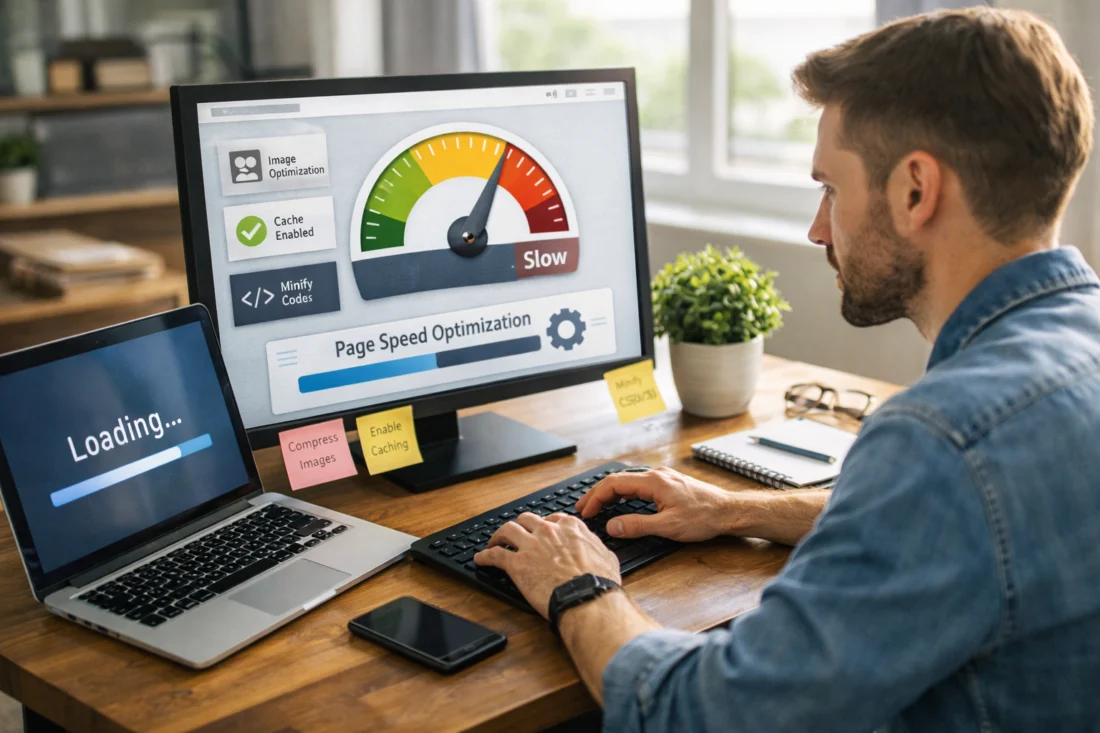
AI and machine learning are increasingly being used for predictive loading techniques, allowing sites to anticipate user actions and load resources in advance. While many guides overlook the importance of clean code architecture, maintaining a well-organized codebase is essential for long-term speed optimization. This approach not only improves performance but also simplifies future updates and maintenance.
Frequently Asked Questions About Improving Website Loading Speed
What is a good website loading speed in 2026?
In 2026, a good website loading speed is generally under 2 seconds. This meets industry standards and user expectations, ensuring a smooth and engaging user experience.
How does website speed affect SEO rankings?
Website speed affects SEO rankings by influencing search engine visibility. Faster sites are prioritized by search engines like Google, leading to better rankings and increased organic traffic.
What are some quick fixes to improve loading speed?
Quick fixes include optimizing images, enabling browser caching, and minifying CSS and JavaScript files. These actions can provide immediate speed gains.
Why is my website still slow after optimization?
Your website might still be slow due to overlooked issues like server performance, unoptimized mobile experience, or excessive third-party scripts. A comprehensive review can identify these hidden bottlenecks.
How can I test website speed on mobile devices?
To test website speed on mobile devices, use tools like Google PageSpeed Insights and WebPageTest, which offer mobile-specific performance insights and recommendations.
Speed Matters. We Can Help.
Supercharge Your Website's Loading Speed Today.
At eDesignerz, we specialize in optimizing website performance. Our expert team focuses on enhancing loading speed to improve user experience, boost SEO, and increase conversions for your business.
Get Two Months of Free SEO with New Projects 29+ Years of Expertise
In conclusion, improving website loading speed is vital for enhancing user experience and SEO. Regular speed assessments and updates are necessary to maintain optimal performance. Consulting with web developers can provide technical insights and solutions for complex issues. Implementing strategies incrementally and measuring their impact ensures effective optimization. Engage with further resources or professional services for advanced needs.