by steve | Sep 10, 2026 | Accessibility Web Design
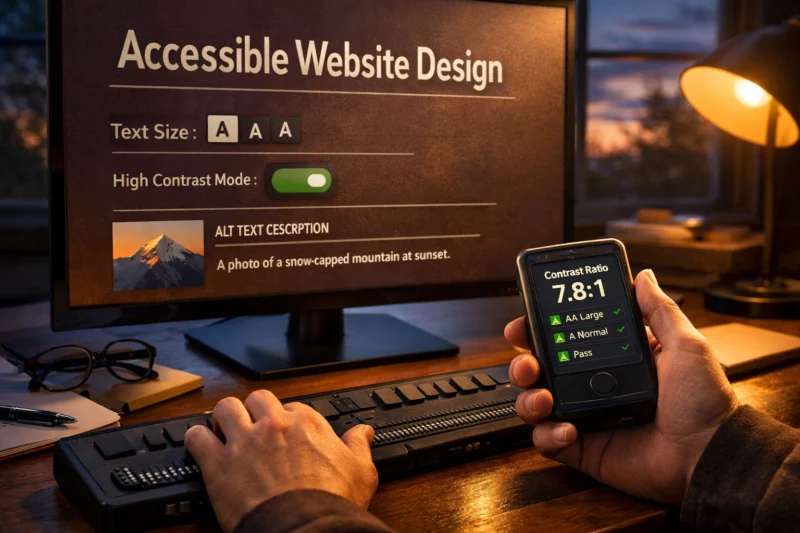
Website accessibility web design means building pages people can perceive, understand, and operate with different abilities and tools. It goes beyond “making text readable” by also supporting keyboard use, screen readers, captions, predictable layouts, and clear error...
by steve | Sep 9, 2026 | Responsive Web Design
If keyboard-only users can reach your content, but can’t complete tasks, your design is not finished. Keyboard Navigation Best Practices mean you plan focus flow, operable controls, and state changes as part of UX—not as a last-minute fix. In this guide, I’ll help you...
by admin | Apr 20, 2026 | Small Business Web Design
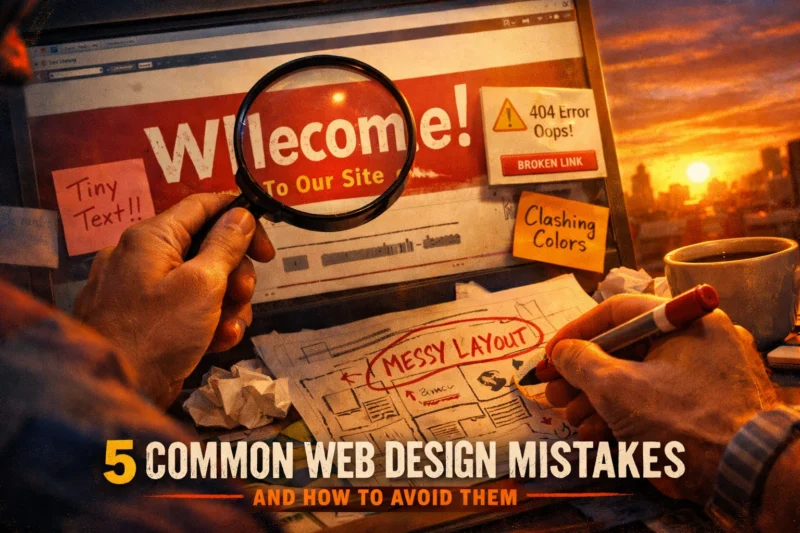
If your website feels hard to use, doesn’t convert, or struggles on mobile, accessibility, or SEO, check the pattern behind the problems. The framework of 5 Common Web Design Mistakes helps you audit what’s happening, not guess what you feel. Instead of chasing random...
by steve | Sep 9, 2024 | Custom Web Design
UX design principles are practical rules of thumb you can apply right away to real screens and user flows. In this guide to UX Design Principles, you’ll learn 10 core principles, each explained simply. You’ll also see tiny examples, common beginner mistakes, and a...
by steve | Sep 9, 2024 | Custom Web Design
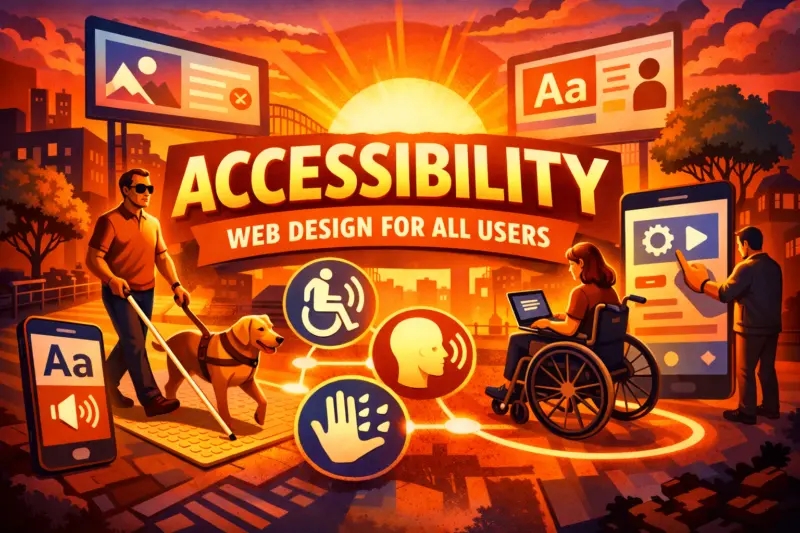
Accessibility for all users means people can perceive, understand, and operate your site, regardless of disability or device. In practice, you turn common issues like missing alt text and broken keyboard focus into a repeatable workflow. You can learn this approach...