

In the fast-paced digital landscape of 2026, understanding how to optimize your WordPress site for speed is crucial for enhancing both user experience and search engine optimization (SEO). A swift website not only retains users but also improves your site’s SEO rankings, making it a critical factor for any successful online presence. This comprehensive guide explores the nuances of boosting your WordPress site’s speed, ensuring it meets modern expectations and stands out in search results.
Last updated: April 2026
Understanding the Importance of WordPress Site Speed
WordPress site speed significantly impacts user experience and conversion rates. A fast-loading site enhances user satisfaction, reducing bounce rates and encouraging visitors to explore more pages. Conversely, a slow site frustrates users, leading to potential loss of business. Studies show that as of 2026, users expect websites to load in under three seconds, highlighting the importance of speed in retaining visitors.
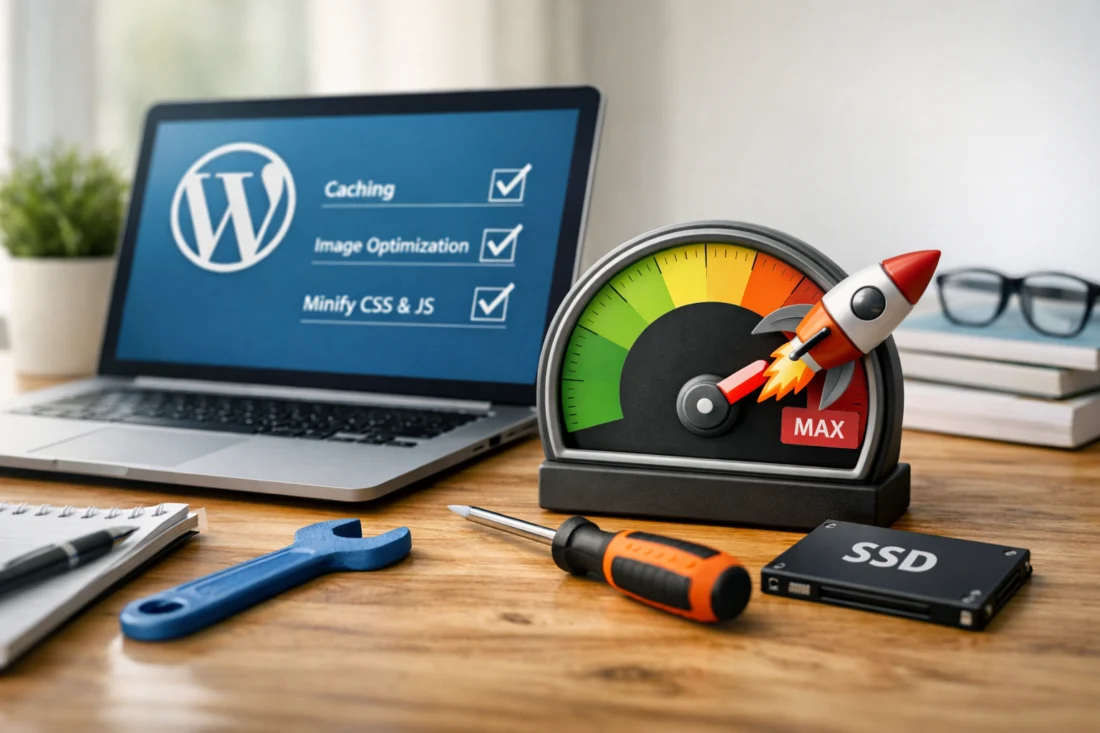
From an SEO perspective, site speed is a critical ranking factor. Google and other search engines prioritize fast-loading websites, which means optimizing your site’s speed can lead to better visibility and higher rankings. This directly influences your site’s ability to attract and retain organic traffic, making speed optimization a key component of “SEO Strategies for WordPress.”
Recent data underscores these trends, indicating a growing emphasis on speed as a determinant of user engagement and SEO success. For instance, a 2026 study by Google revealed that sites with faster load times significantly improve conversion rates, reinforcing the need for effective speed optimization strategies.
Key Factors Affecting WordPress Site Speed
Several factors contribute to WordPress site speed. Server performance and hosting options are foundational elements; choosing a reliable hosting provider can dramatically influence load times. Opt for hosts known for speed and reliability to ensure your site performs well under traffic spikes.
The selection of themes and plugins is essential for optimizing your site. While plugins can enhance its functionality, using too many can lead to slower performance. It’s important to choose plugins carefully, giving preference to those that are known for their speed optimization. In the same vein, developing a custom theme for WordPress that is specifically designed for performance can greatly improve your website’s speed, reducing the unnecessary bloat that often comes with standard pre-built themes.
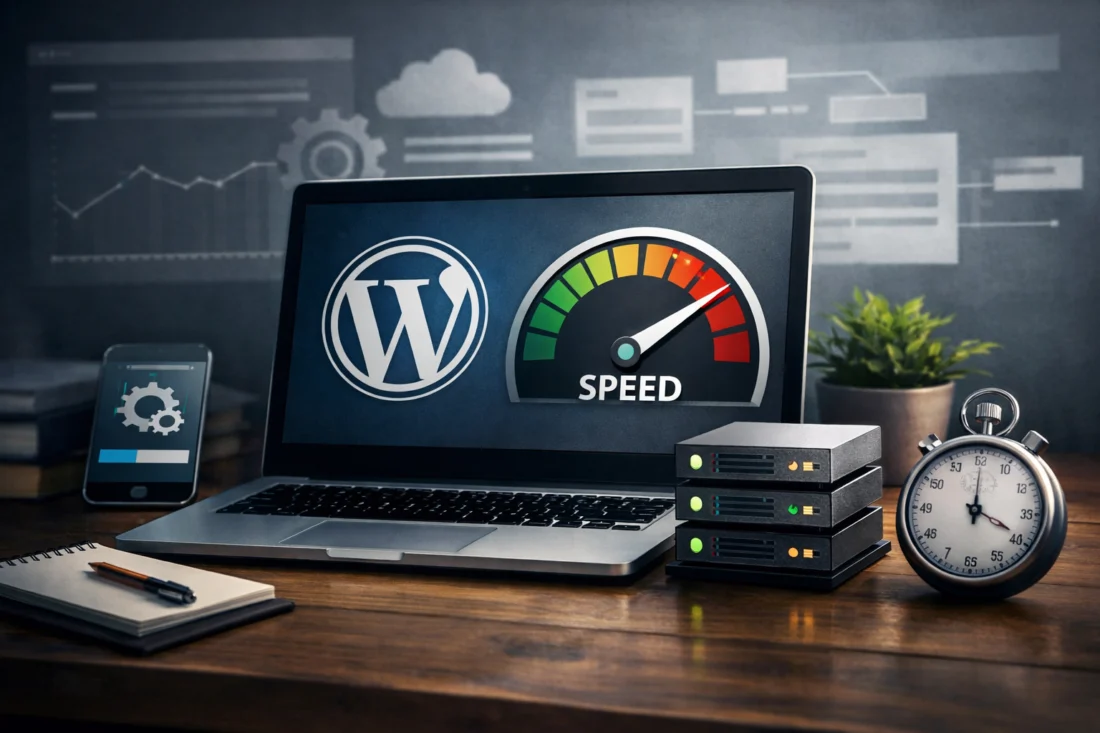
Images and media files are common culprits in slowing down websites. Large, unoptimized images can drastically affect load times. Implementing image compression and using modern formats like WebP can help maintain quality while reducing file sizes. Additionally, JavaScript and CSS optimizations, such as minification and asynchronous loading, can further streamline your site’s performance. With the increase in mobile browsing, ensuring mobile optimization is critical, as mobile users are particularly sensitive to load times.
How to Effectively Optimize Your WordPress Site for Speed
To optimize your WordPress site for speed, start by selecting a fast and reliable hosting provider. Providers like SiteGround and Bluehost offer plans specifically optimized for WordPress, ensuring faster server response times.
Optimizing images is another crucial step. Use tools like TinyPNG or ShortPixel to compress images without sacrificing quality. This reduces the load on your server and speeds up page loading times. Additionally, employing caching plugins such as WP Rocket can store static versions of your pages, reducing server load and improving speed.
Implementing a Content Delivery Network (CDN) can further enhance speed by distributing your site’s content across global servers, allowing users to access data from the nearest location. However, balance speed with functionality when choosing plugins; excessive features can bloat your site, so focus on those that provide essential capabilities without compromising performance.
Feeling the heat from slow load times? eDesignerz is here to help! Our seasoned experts can optimize your WordPress site, boosting both speed and SEO. Don't let a sluggish website hold you back from success—let's make your site a performance powerhouse!
Get Your Custom Quote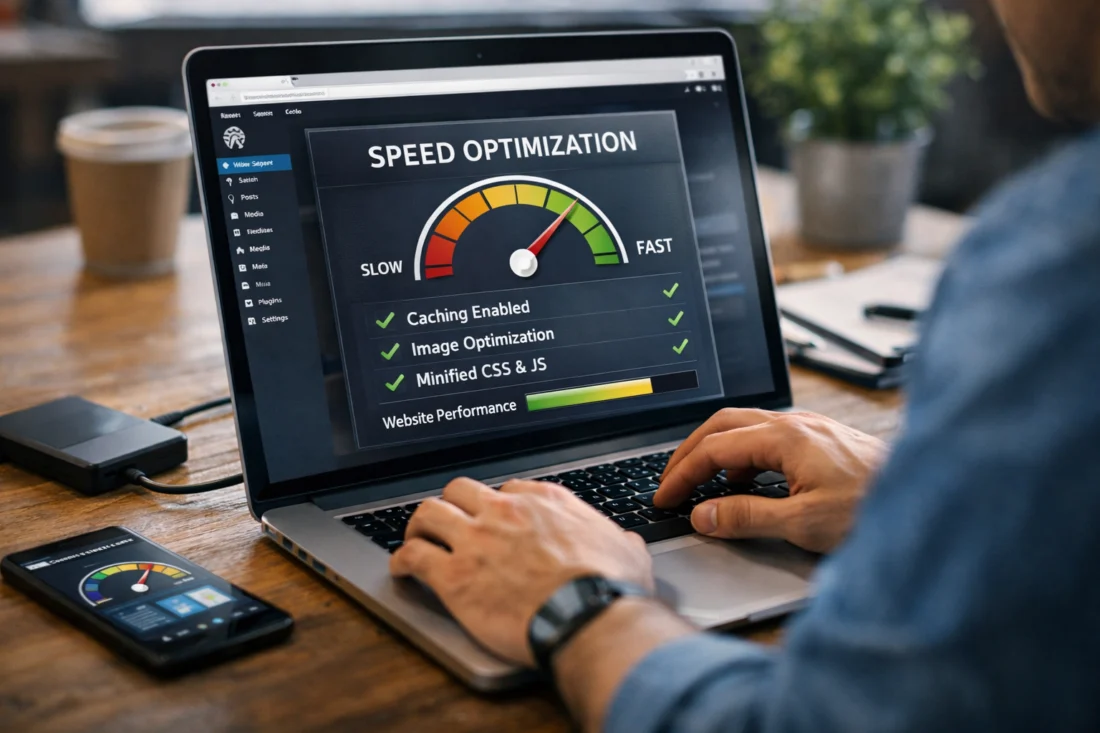
Common Mistakes to Avoid When Optimizing WordPress Site Speed
One common mistake is the overuse of plugins, which can lead to a bloated and slow site. Limit plugin use to those essential for your site’s functionality and regularly audit your plugin list to remove unnecessary ones. This helps maintain optimal speed and performance.
Neglecting mobile optimization is another pitfall. With mobile traffic surpassing desktop in 2026, ensuring your site is mobile-friendly is crucial. Use responsive designs and test your site’s mobile performance to meet user expectations and avoid speed-related penalties from search engines.
Properly testing site speed is essential to avoid misleading results. Tools like Google PageSpeed Insights and GTmetrix offer detailed speed analysis. It’s important to interpret these reports correctly to identify real bottlenecks. Additionally, be wary of misconceptions surrounding free versus paid optimization tools; paid options may offer advanced features, but free tools can also be effective if used correctly.
Advanced Techniques for WordPress Speed Optimization
For those seeking advanced speed optimization techniques, consider server-side optimizations and upgrading your PHP version. Newer PHP versions offer performance improvements that can significantly enhance your site’s speed.
Optimize for Successand Conversions
A fast-loading website can transform user experience and boost your SEO. Request a free consultation today to explore how our expert team can enhance your site's speed.
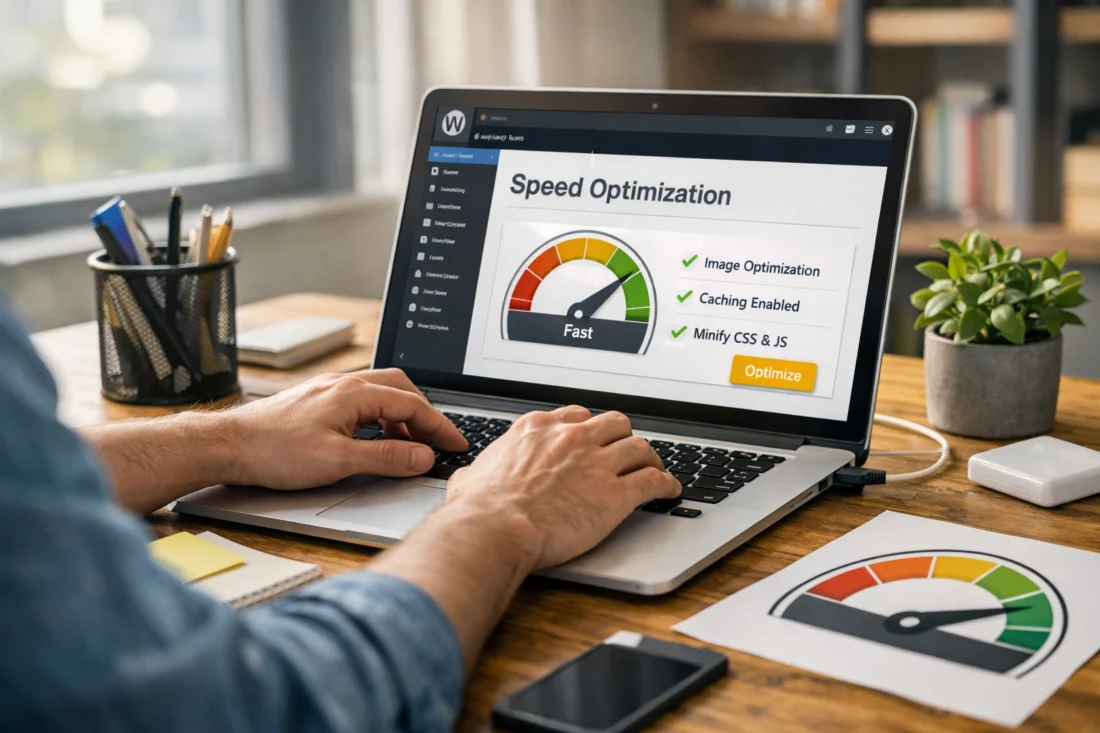
Lazy loading, which defers the loading of non-critical images and content until they’re needed, can improve perceived speed by prioritizing visible content. This technique is particularly effective for media-heavy sites.
Choosing a lightweight theme is crucial for maintaining speed. Themes designed with performance in mind, like GeneratePress, can prevent unnecessary bloat. Additionally, the use of Accelerated Mobile Pages (AMP) can enhance mobile speed, although it may require adjustments to maintain full site functionality.
Comparing Optimization Tools and Strategies
Various caching plugins, like W3 Total Cache and WP Super Cache, offer unique features for speed optimization. Compare these based on your site’s specific needs to choose the best fit.
Image optimization tools, such as Imagify and Kraken.io, differ in capabilities, but all aim to reduce image sizes without sacrificing quality. Evaluate their features to select one that aligns with your site’s requirements.
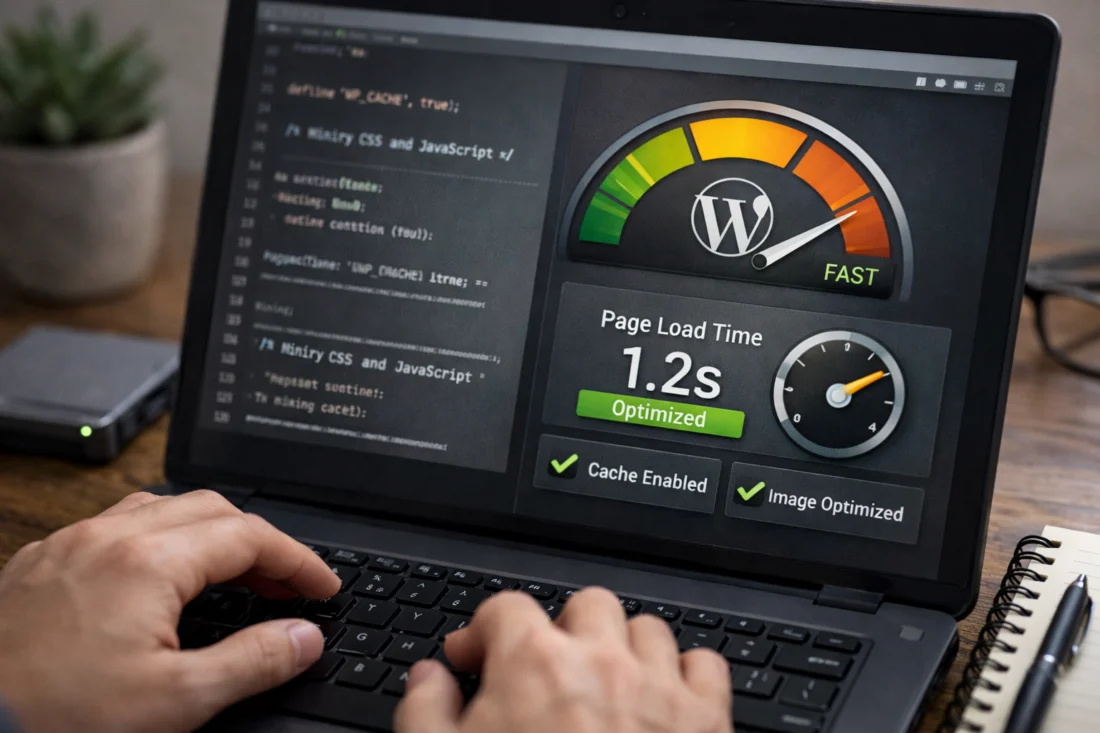
Content Delivery Networks (CDNs) like Cloudflare and CDN77 have different pricing models and features. Assess these options to determine which provides the best balance of cost and performance for your site. Investing in premium tools may be worthwhile for high-traffic sites, but carefully consider the potential return on investment.
Frequently Asked Questions About Optimizing WordPress Site Speed
What are the best plugins for optimizing WordPress site speed?
Popular plugins for speed optimization include WP Rocket, W3 Total Cache, and Autoptimize. Each offers specific features like caching, script minification, and lazy loading to enhance site speed.
How does hosting affect WordPress site speed?
Hosting significantly impacts site speed by determining server response times and uptime reliability. Choosing a reputable provider with optimized WordPress hosting can improve load times and overall performance.
Is it necessary to use a CDN for WordPress speed optimization?
A CDN is beneficial for sites with a global audience, as it reduces latency by serving content from the nearest server location. However, smaller, localized sites may not require a CDN if their hosting infrastructure is already optimized.
How can I test my WordPress site speed effectively?
Use tools like Google PageSpeed Insights and GTmetrix to test your site’s speed. These tools provide detailed metrics and recommendations for improving load times.
What are the long-term benefits of optimizing WordPress site speed in 2026?
Optimizing site speed offers long-term benefits like improved SEO rankings, better user engagement, and increased conversion rates. In 2026, fast sites are more likely to meet user expectations and achieve higher search visibility.
Unlock the full potential of your WordPress site with expert speed optimization.
Transform your website into a lightning-fast platform that enhances user experience and boosts SEO rankings. Our professional services ensure your site loads quickly and efficiently, attracting more visitors and converting them into customers.
Request a Free ConsultationIn summary, enhancing the speed of your WordPress site is crucial for improving both SEO and user satisfaction. Concentrating on essential factors like hosting, image optimization, and plugin choices can lead to significant performance gains. It’s important to regularly assess your site’s speed and seek professional advice for more complex enhancements. By taking these steps, you’ll not only boost your “Search Rankings” but also create a more engaging user experience for your site visitors. Feel free to share this guide with others or delve into additional resources on “Sustainable Web Design” and similar topics for further insights.