
Higher rankings come from aligning each page’s purpose, content structure, and on-page elements with what searchers are trying to do—then keeping those signals consistent as you refine the page. This guide outlines practical On-page SEO best practices you can implement on real pages (content, title tags, meta descriptions, headings, internal links, images, and indexability) to improve visibility in Google, where usefulness and clarity are rewarded and SERP features can heavily influence clicks.
Build pages around search intent and a clear page job
If you start by optimizing tags before you define what the page is meant to accomplish, you’ll often end up with a “technically optimized” page that doesn’t earn trust or keep visitors engaged. On-page SEO works best when every element—content sections, headings, internal links, and metadata—supports one dominant job for the page.
- Write the page’s job in one sentence. For example: “This page helps service buyers compare plans, understand requirements, and choose the right option.”
- Map search intent to the job. Practical intent buckets for commercial sites are:
- Informational: “What is…”, “How does it work…”, “Requirements?”
- Commercial investigation: comparisons, checklists, “best for…”, “pricing factors” style queries.
- Decision/ready to contact: requests for service pages, “near me”/location modifiers, or “book a consultation.”
- Choose the right page type for the intent. Use:
- Blog-style posts for informational demand (then link to commercial landing pages).
- Service or landing pages for decision demand (with proof, process, and next steps).
- Category pages for structured browsing when you can differentiate options meaningfully.
- Validate intent using SERP formats. Look at what ranks: do top results show service/product listings, comparison-style pages, FAQs, or step-by-step guides? Match the dominant format, then add the missing value your competitors don’t.
- Handle mixed intent by restructuring—don’t stuff headings. If you’re targeting both “what it is” and “choose a provider,” either:
- Split into separate pages (best when the SERP clearly separates formats), or
- Keep one page but create a clear hierarchy: brief orientation early, then the deeper decision content later with distinct sections and internal links.
When relevance and clarity are aligned with intent, you reduce pogo-sticking (users quickly returning to search) because visitors find the right answer or next step faster—often translating into stronger engagement signals.
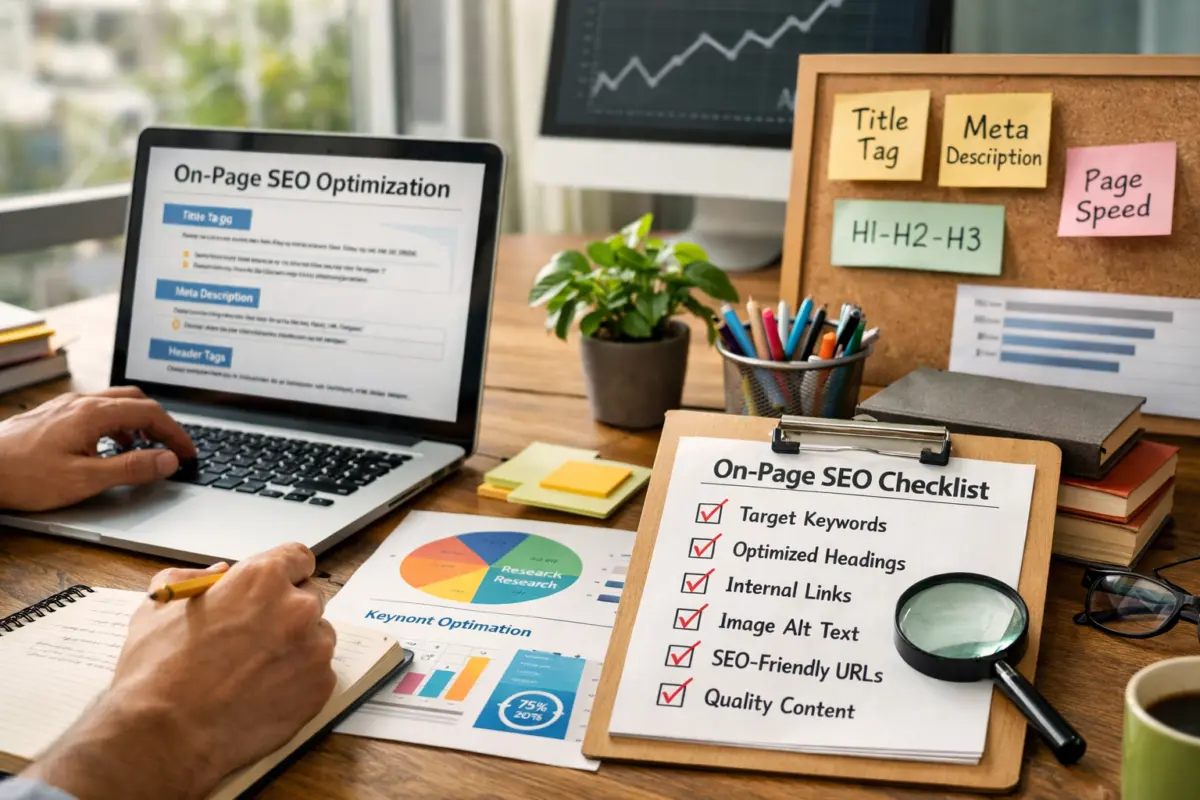
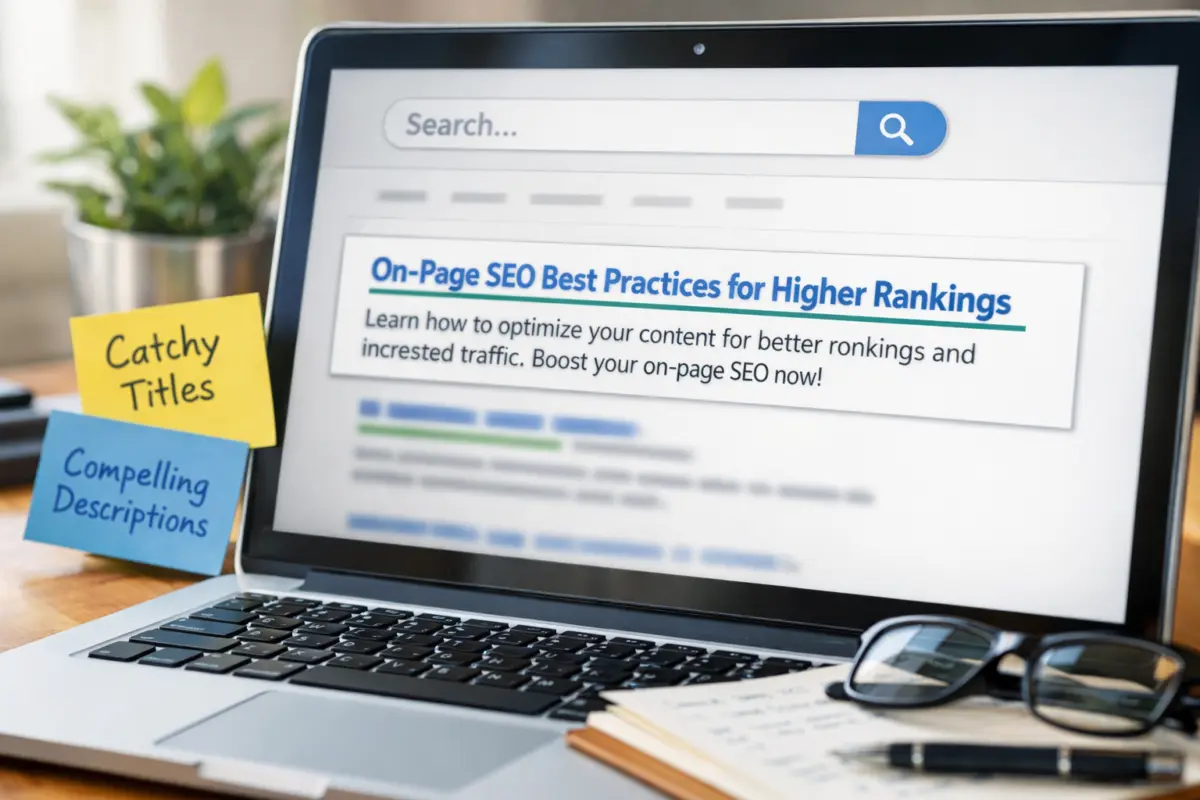
Title tags and meta descriptions are where users decide whether to open your page. They also tell search engines what the page is fundamentally about, so mismatches can suppress both rankings and click-through rate (CTR). In practice, think of titles as relevance + scope, and descriptions as decision support.
Title tag: set the topic and boundary
Write a title tag that reflects the primary topic of the page, includes the most important phrase naturally, and stays readable within typical SERP display behavior. If you run a WordPress site with templates, avoid duplicate titles from patterns like “Home | Brand” appearing across multiple templates—make sure templates generate unique titles for each page.
- Include one clear primary concept. If you offer services, make the service category or problem focus explicit.
- Avoid “keyword stacks.” Titles should read like a headline, not a list of phrases.
- Be selective with prefixes/suffixes. Brand and location can help when relevant, but unnecessary clutter reduces scan value.
Meta description: earn the click without promising what you can’t deliver
Descriptions should reflect what’s inside: what the page covers, who it’s for, and what the user gets next. If your description promises pricing, include the factors that affect pricing and the path to obtain an estimate—otherwise you create a trust break that can hurt performance.
- Write for the decision moment. For commercial pages, mention outcomes, process steps, or what the user can expect after contacting you.
- Keep it accurate and specific. Don’t use generic phrases like “Learn more” or “We provide the best services.”
- Prevent duplicates. Template-based duplication is one of the fastest ways to lose differentiation across many pages.
Failure mode to watch: thin pages that repeat boilerplate and use promotional-only meta copy. If your metadata is stronger than the page content, users bounce—and search engines learn the mismatch.
For reference on how Google treats title links and snippets, see Google Search Central and Google Search Central (use the docs to understand what Google may display and why snippets vary).
Headings aren’t only for readability. They act like an outline of your page’s argument, helping both crawlers and humans understand what to expect as they scroll. For higher rankings on commercial pages, the goal is not to cover every possible subtopic—it’s to cover the subtopics that answer buyer/investigator questions better than the pages above you.
Set heading roles intentionally
- H1: state the primary page topic (don’t try to pack multiple angles into one).
- H2: match the main sections of the page job—process, requirements, comparisons, implementation, outcomes.
- H3: break each H2 into scannable components that map to common questions.
Decide coverage by what the SERP is already rewarding
Start with the pages that rank in your target query set. Note the section types they use (process steps, eligibility, timelines, pricing factors, FAQs, “what to expect” blocks). Then improve where competitors are vague: replace “overview-only” sections with actionable guidance (what users must prepare, how the workflow runs, what results look like, and what to do next).
On-Page SEO Experts
Drive more traffic and leads with custom SEO strategies, WordPress design, and speedy, mobile-friendly websites crafted to align perfectly with search intent and user needs.
REQUEST A FREE CONSULTA key nuance for commercial sites: avoid cannibalization when you’re tempted to create many similar pages targeting close variations. If two pages would each answer the same primary questions, consolidate them into one stronger page and adjust internal links so the site clearly supports one “best match” URL.
If your content management workflow is driven by WordPress templates, you can support this structure with consistent theme and plugin choices—many teams start by ensuring their setup supports clean headings and page templates via tools like WordPress themes for SEO and search engine optimization wordpress.
Improve URLs, internal links, and crawl paths without creating traps
On-page SEO includes the “plumbing” users and crawlers use to discover your pages. Even strong content can underperform if search bots can’t reach key pages efficiently, or if your internal link structure sends mixed signals about which pages matter most.
- Use clean, stable URL slugs. Keep them readable and aligned with the page’s topic. Avoid repeated slug fragments and unnecessary parameters when you can.
- Link from high-value pages to priority pages. Start with pages that already get impressions. Add contextual internal links where the destination clearly helps the next step.
- Use descriptive anchor text. Make anchor text match the destination’s job (e.g., “service requirements checklist” rather than “click here”).
- Ensure key pages are reachable within a reasonable click depth. Also represent them in your navigation and breadcrumbs where appropriate.
- Remove internal link traps. Fix broken links, redirect chains, orphan pages, and pages that differ only slightly but compete for the same intent.
Practical workflow: audit your top landing and revenue pages first, then expand outward to supporting informational pages that feed authority. This helps the site build coherent pathways from “learning” to “deciding.”
Align images and structured elements with the page’s purpose
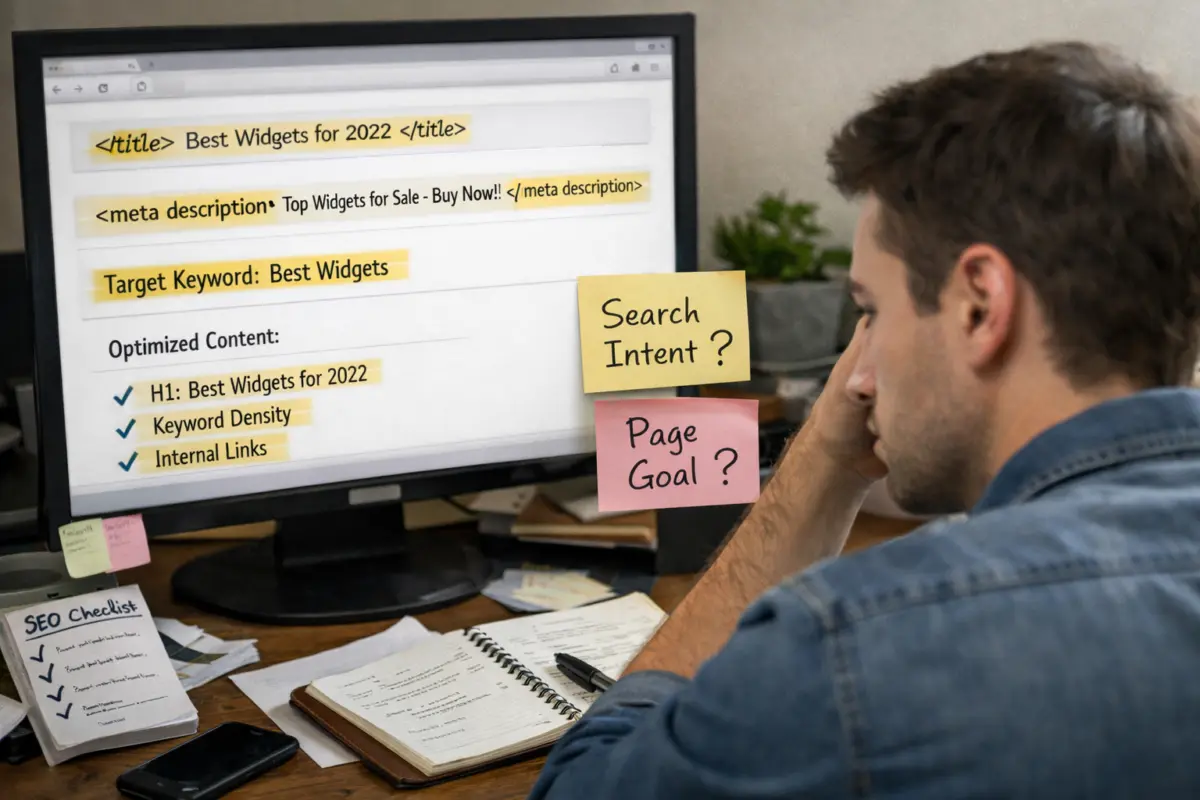
Images can support your on-page SEO, but only when they help the user complete the page job. Treat visuals as content: they should clarify steps, demonstrate what to expect, or make comparisons easier—not just decorate an otherwise thin page.
Optimize images for both usefulness and search
- Use descriptive filenames. Name files for what they show (not for generic defaults).
- Write alt text for accessibility. Describe the image’s purpose when it’s meaningful; don’t use alt text as a keyword dump.
- Compress without visible quality loss. Use formats and sizing appropriate for web display.
Use structured blocks to match how commercial users scan
For pages that help buyers compare or plan, consider adding scannable blocks such as:
- Step-by-step sections: “What happens after you contact us”
- Comparison tables: options, tradeoffs, who each option fits
- Requirement lists: what users must prepare for accurate next steps
- Example outputs: screenshots, checklists, or sample deliverable formats
Common misuse: incorrect alt text for decorative images. If an image is purely decorative, empty alt text is often appropriate because screen readers can skip it—your goal is accessibility aligned with intent, not more text.
Make sure pages are indexable and canonical signals point to the right version
Even the best on-page SEO cannot overcome indexability problems. Your page must be crawlable, indexable, and consistently represented so search engines don’t waste signals on duplicates or blocked variants.
| On-page signal to verify | What “good” looks like | Typical fix |
|---|---|---|
| Indexing | The page is actually eligible to appear in search | Check meta robots tags, robots.txt rules, and page status errors |
| Canonical tag | Canonical points to the primary URL you want ranked | Set canonicals on duplicate variants (filters/sorts/pagination variants) |
| Rendered content | The content users see matches what crawlers can access | Fix rendering issues and ensure server-rendered or accessible HTML content |
| Status codes | Priority URLs return 200 and resolve cleanly | Replace broken redirects and remove redirect chains |
For duplicates caused by filters/sorting, the best approach is usually consolidation: either canonicalize to one primary “best” URL, or separate pages only when each variant has distinct value. One nuance that trips teams up: if your internal links point to non-canonical variants, you can weaken consolidation signals, so align internal linking with your canonical decisions.
Use official documentation to understand canonical and indexing behavior from Google Search Central and indexing basics from Google Search Central.
Common on-page SEO pitfalls that quietly cap rankings
Many ranking issues aren’t caused by one dramatic mistake; they come from repeated small misalignments between the page and what the SERP expects. If you want higher rankings, look for these “quiet caps” first.
MASTER ON-PAGE SEO FOR BETTER VISIBILITY
Optimize your website with expert WordPress and SEO services designed to improve content structure, metadata, and internal linking that convert visitors into customers.
REQUEST A FREE CONSULTATION- Keyword stuffing in titles, headings, and paragraphs. Search engines and users both want clarity; stuffing makes the page look low-trust.
- Thin pages with template boilerplate. If your page doesn’t answer commercial questions (what’s included, who it’s for, process, requirements, outcomes), it’s unlikely to sustain top placements.
- Duplicate metadata across templates. When many pages share similar title/meta patterns, differentiation drops.
- SERP mismatch. Your internal outline might match your workflow, but the SERP may reward comparison blocks, checklists, or proof elements. If your structure doesn’t match what searchers expect to, CTR and satisfaction can suffer.
- No measurement. If you change pages without tracking impressions and CTR by URL and query group, you’ll never know what actually moved the needle.
The nuance: SERP mismatch often shows up first as a CTR drop after you publish a new layout or rewrite. Fixes that improve clarity can help regain clicks, and those clicks can improve the overall learning loop about your page’s relevance.
Choose an implementation strategy based on what’s broken
You don’t need a one-size-fits-all content plan. The fastest path to higher rankings is choosing the strategy that matches the underlying issue: whether the page is already performing but under-optimized, overlapping with other pages, missing content depth, or suffering from template-driven duplication.
- Priority page hardening: Pick URLs that already earn impressions. Improve titles/meta, restructure headings for better intent coverage, and add missing sections that buyers/investigators look for.
- Content refresh and consolidation: For overlapping pages, merge into one strong URL, update internal links to point to the winner, and remove or canonicalize duplicates.
- New page creation with intent-first briefs: Only create when there’s a clear gap (the SERP is different and your existing pages can’t satisfy that job).
- Template and system improvements: When multiple pages share duplicate title tags, H structures, or canonical issues, fix the template logic first before rewriting individual pages.
A practical sequence: start with priority pages that have the most visible demand signals (impressions, clicks, or existing rankings), because they give you the best chance to validate improvements quickly. Then fix systemic template issues that would otherwise keep reintroducing duplicates.
Fix ranking stalls caused by conflicting signals across the page
Ranking stalls often happen when different parts of the page disagree. For example, your title tag might frame the page around one service category, while the content focuses on a different angle, and headings emphasize yet another. Search engines need consistent signals; humans need a coherent promise.
- Compare title tag, H1, and first 25–50 words. They should all describe the same page job and audience.
- Check heading hierarchy vs. content. If H2s say “process” but the body mostly covers background history, restructure or reorder.
- Audit internal link anchors to the destination. Anchors should describe the destination’s job; otherwise, you send mixed relevance cues.
- Verify canonicals match the page you intend to rank. If internal links or external links point to a duplicate variant, align the canonical and consolidate.
- For programmatic pages, ensure each has distinct value. If location/category/feature variants differ only slightly, they can compete with each other. Consolidate variants when appropriate or strengthen each one with unique, useful content.
When you apply fixes in this order—metadata and hierarchy consistency first, then internal link/canonical alignment—you avoid expensive rewrites that don’t address the real mismatch.
If your site includes location-dependent demand, you can also tighten intent alignment by pairing service pages with helpful local-support pages. For example, a higher-performing strategy is often to connect decision-focused pages with supporting content like Local SEO Optimization: Boost Your Rankings & Visibility.
Frequently asked cost and timeline questions about on-page SEO improvements
How much does On-page SEO cost?
Pricing varies based on the number of pages, how much content needs restructuring, and whether the work is limited to titles/meta/headings or includes deeper improvements like consolidation, internal link rewiring, and indexability checks. For many teams, small “page hardening” projects cost less than larger site-wide template fixes because system changes affect many URLs. A realistic approach is to request a quote after an audit of your highest-impression revenue pages and any duplicate metadata patterns.
How long does it take to see results from On-page SEO?
Most teams notice early changes in indexing and impressions within days to a few weeks after updates, but ranking movement can take longer as Google recrawls and re-evaluates content. For competitive keywords, meaningful movement often takes several weeks to a couple of months, depending on crawl frequency, page authority, and how large the changes are. Use monitoring by URL and query group to judge whether clicks and impressions improve before attempting major rewrites again.
Should I rewrite my title tag or the full page first?
If your pages have impressions but a low CTR, improving the title tag and meta description first is often the most efficient starting point because it targets the click decision directly. If the page is attracting clicks but doesn’t satisfy (or isn’t ranking because the SERP expects a different structure), prioritize content and heading restructuring so the page matches intent. In many audits, teams do both, but the order should match the symptom you see in Search performance data.
Use template rules that generate unique titles based on each page’s primary topic fields (for example, service name, plan tier, or category) rather than repeating a generic “Home | Brand” pattern across many templates. Then validate duplicates in your crawl/export tool by filtering for repeated title strings and near-duplicates. Finally, test a few representative URLs to ensure the rendered page title matches what users see in search snippets.
OPTIMIZE YOUR SITE FOR BETTER RANKINGS
Elevate your WordPress website with expert on-page SEO, tailored content structure, and fast-loading pages that engage visitors and convert clicks into customers.
Can internal links hurt rankings if the anchors are too similar?
Internal links usually don’t “hurt” simply because anchors repeat, but overly generic or identical anchors across many contexts can reduce clarity about each destination’s job. The bigger issue is inconsistency: anchors that describe one topic but link to a page about something else create mixed signals. A safe rule is to keep anchors descriptive and aligned with the destination, while still varying phrasing naturally.
Do meta descriptions directly affect rankings or mainly improve clicks?
Meta descriptions are primarily associated with how your result is presented in search, so they often influence CTR more directly than rankings. However, when descriptions match the page content and intent, they reduce mismatch-driven pogo-sticking, which can help the overall performance picture. Choose meta descriptions based on what buyers/investigators expect to see on the other side of the click.
Conclusion: turn on-page SEO into a repeatable improvement loop
On-page SEO best practices work when you treat each page like a focused asset: align page purpose to search intent, optimize titles/meta/headers for relevance and clarity, structure content to answer commercial questions, and keep indexability signals clean. Then measure by URL and query group so you can iterate based on what improves impressions, CTR, and rankings—not guesswork.
A strong next step is a pilot on your top revenue pages: fix metadata and intent alignment first, then strengthen content sections and internal links, and finally validate canonicals and indexability. Once you see movement, scale the system—templates, briefs, and checklists—so the improvements don’t fade after the first round.
Updated November 2026
Rank Higher with On-Page SEO Optimize Now
Get a website that’s SEO-optimized and conversion-focused. Request a free consultation to improve your search rankings and attract more customers.
GET FREE CONSULTATION