
This guide covers How can I ensure accessibility in my WordPress design? in practical terms—what to prioritize first, common pitfalls, and how to apply the ideas step by step.
Ensuring accessibility in your WordPress design is crucial for creating an inclusive digital experience that meets both user needs and legal standards. An accessible website allows all users, including those with disabilities, to navigate and interact with content effectively. This not only enhances user experience but also aligns with global accessibility standards and can improve your site’s SEO. In this article, we’ll explore how you can ensure accessibility in your WordPress design by implementing essential practices and tools.
Last updated: April 2026
Understanding Accessibility in WordPress Design
Accessibility in web design refers to the practice of creating websites that can be used by people of all abilities and disabilities. This includes ensuring that all users can perceive, understand, navigate, and interact with the website. Legally, many countries have regulations that require websites to be accessible, such as the Americans with Disabilities Act (ADA) in the United States and the Web Content Accessibility Guidelines (WCAG) globally.
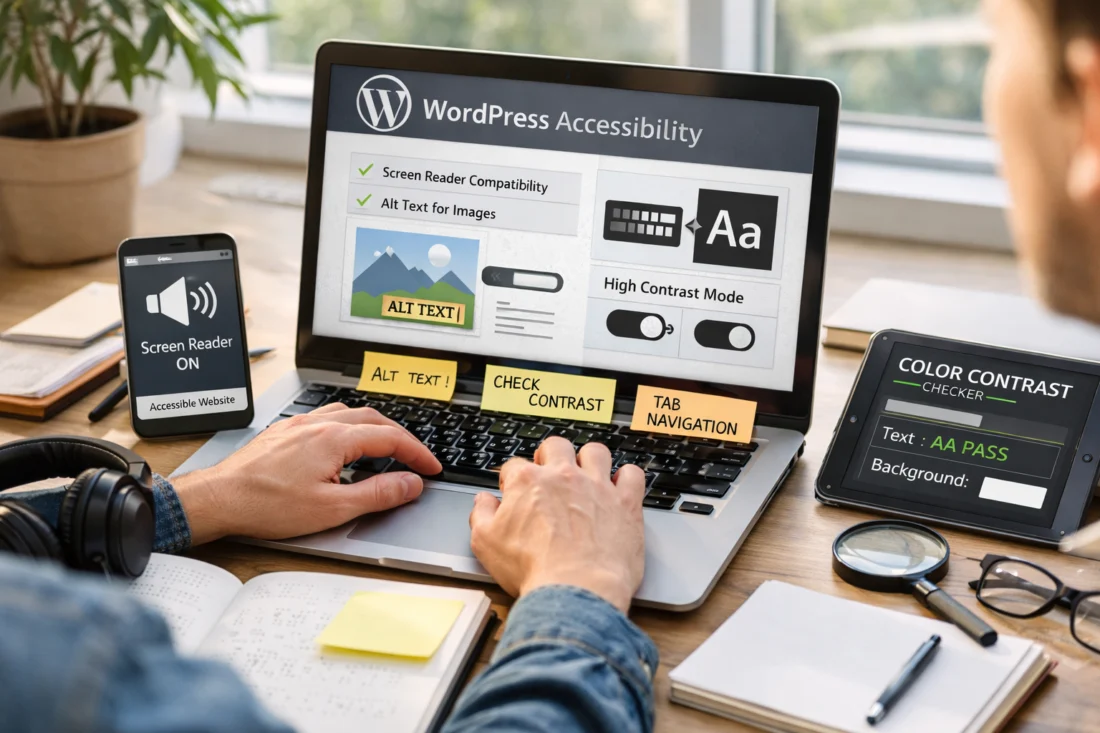
Beyond legal compliance, accessibility is ethically important because it ensures equal access to information and services for everyone. From an SEO perspective, accessible websites can lead to better search engine rankings since search engines favor sites with cleaner code and better usability. Improving accessibility can also significantly enhance user engagement, leading to a web design conversion impact that benefits your business.
A common misconception is that accessibility is optional or overly complex to implement. In reality, many accessibility features are straightforward and can be integrated into your website’s design process with relative ease, thereby improving the overall user experience for all visitors.
Key Principles for Accessible WordPress Design
The core principles of accessibility are captured under the acronym POUR: Perceivable, Operable, Understandable, and Robust. These principles guide designers in creating websites that are accessible to all users. For example, a perceivable website ensures that users can identify and interact with content using different senses, such as through text alternatives for images.
In WordPress, these principles can be applied by choosing themes and plugins that adhere to accessibility standards. Using semantic HTML and ARIA (Accessible Rich Internet Applications) roles can help assistive technologies interpret your website more effectively. As you select the right WordPress theme, prioritize accessibility features to ensure compatibility with screen readers and other assistive tools.
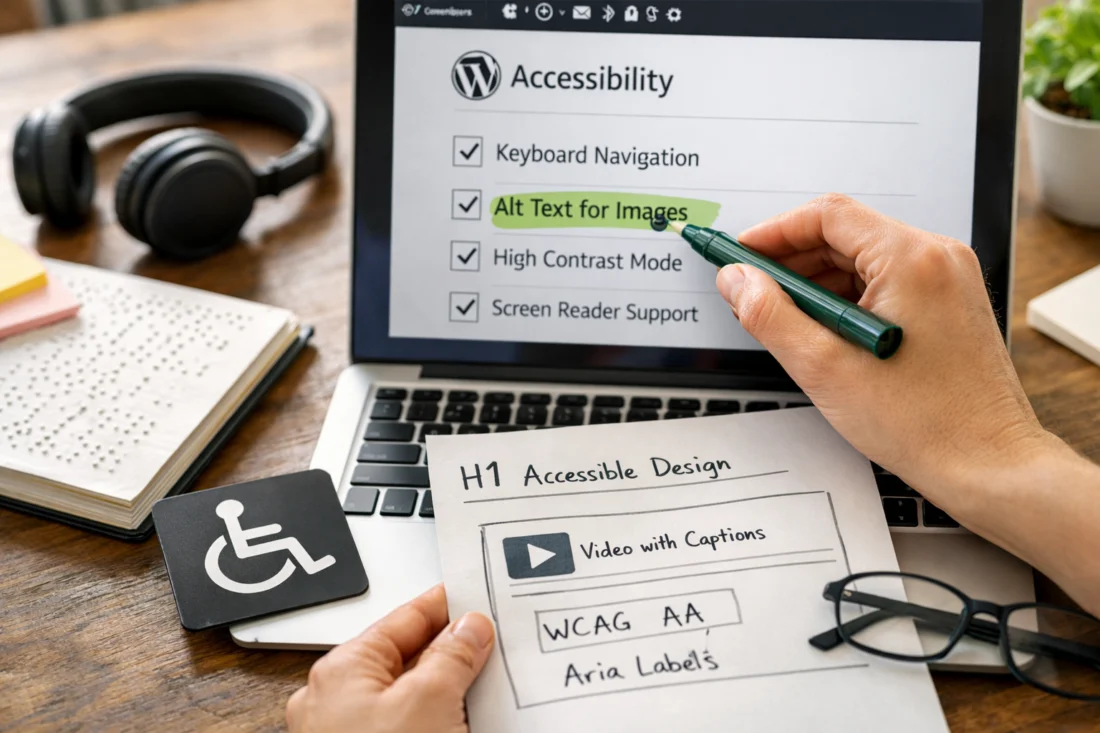
While the standard solutions often apply to most scenarios, edge cases may arise where custom development is necessary, particularly for unique website functionalities. It’s important to tailor your approach to these situations without compromising accessibility.
How to Implement Accessibility in WordPress
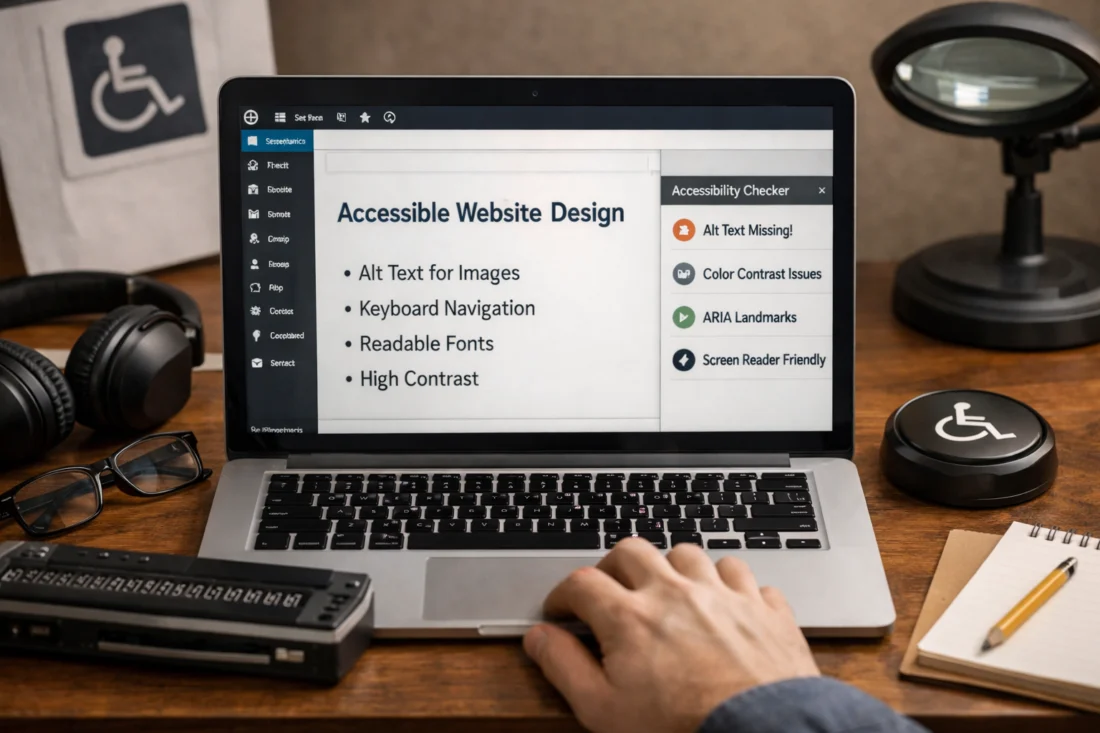
Implementing accessibility in your WordPress site involves a systematic approach. First, conduct an accessibility audit to identify areas needing improvement. This can be done using tools like the WAVE Web Accessibility Evaluation Tool or the WP Accessibility Helper plugin. These tools help detect issues like missing alt text or insufficient color contrast.
Next, prioritize selecting accessible themes and plugins. The WordPress plugins functionality plays a crucial role in maintaining accessibility throughout your site. Look for plugins that are regularly updated and explicitly state their adherence to accessibility standards.
ENSURE EQUAL ACCESS FOR ALL USERS
Transform your website into an inclusive space with our expert WordPress design and development services tailored to meet accessibility standards and improve user engagement.
Be aware of potential conflicts that may arise between accessibility plugins and existing site features. Regularly test your site after plugin updates or new installations to ensure continued compliance with accessibility standards. This proactive approach will help maintain an inclusive and functional website.
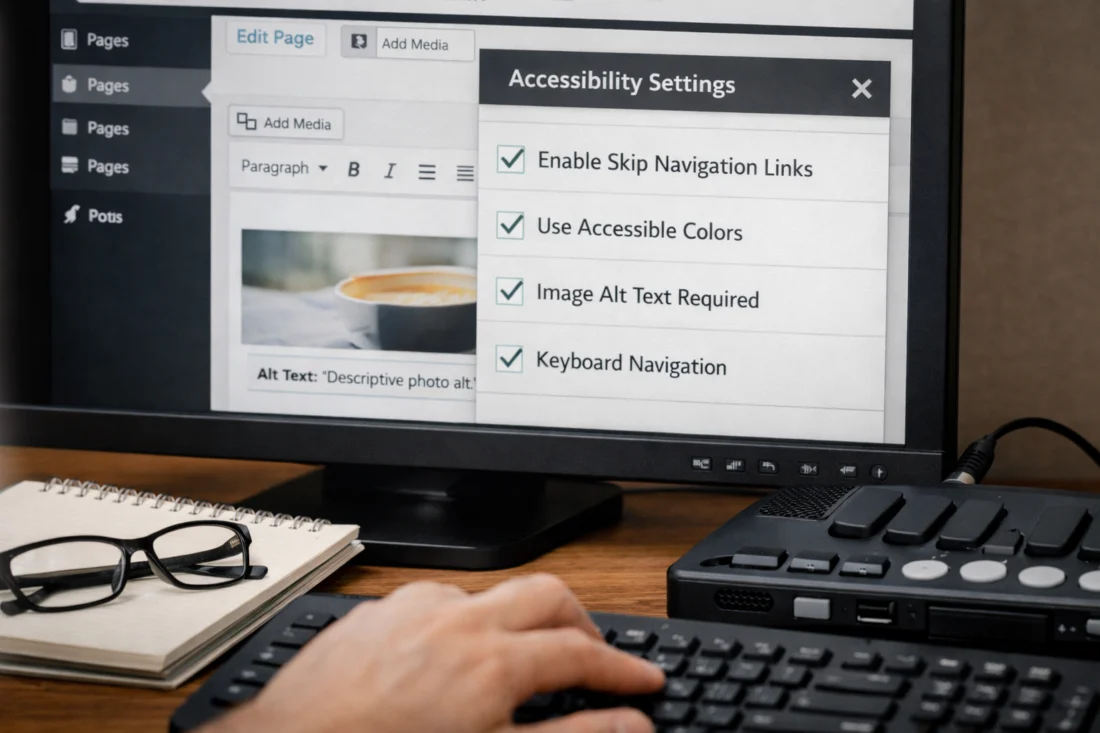
Common Mistakes in WordPress Accessibility
Some frequent accessibility errors include poor color contrast, which makes text hard to read, and missing alt text for images, which affects users relying on screen readers. While automated tools are valuable for identifying some issues, they shouldn’t be the sole method for ensuring accessibility. Manual checks are essential to catch issues that automation might miss.
User testing with assistive technologies, such as screen readers and keyboard navigation, provides insights into how real users interact with your site. This process helps identify usability barriers and improve overall accessibility. Remember, accessibility is not a one-time fix but an ongoing commitment.
A misconception is that implementing accessibility is a one-time task. Instead, it requires continuous monitoring and updates, especially as new content is added or existing content is modified. Regular audits ensure that your site remains accessible as technologies and standards evolve.
Comparing Approaches to Accessibility in WordPress
When it comes to enhancing accessibility in WordPress, you have several options. Using built-in WordPress features is a straightforward approach, as many themes and settings include basic accessibility options. However, third-party plugins can offer more comprehensive solutions that are customizable to specific needs.
ACCESSIBILITY MATTERS. EMPOWER YOUR AUDIENCE.
Transform your WordPress site into an inclusive space with our professional design and development services. We specialize in creating accessible, user-friendly websites that meet compliance standards and attract more visitors.
REQUEST A FREE CONSULTATION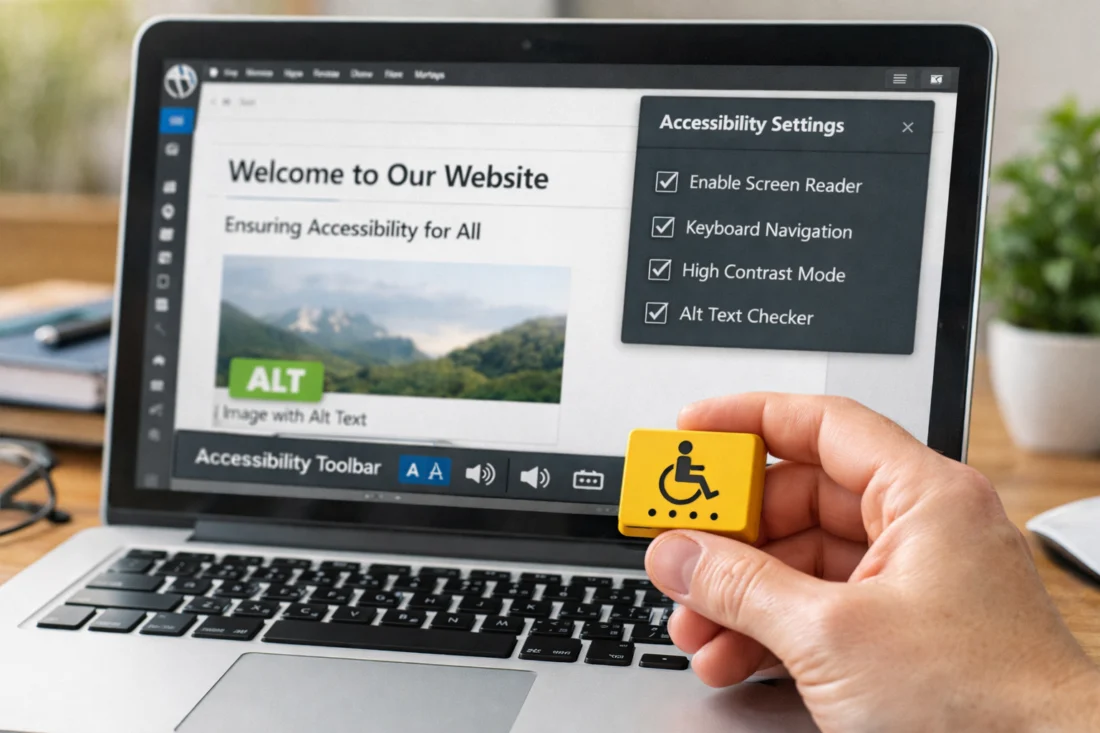
Custom development allows for tailored accessibility enhancements, particularly for unique functionalities that off-the-shelf solutions cannot address. While this can be more costly, it ensures that accessibility is fully integrated into your site’s design. Professional audits provide an expert evaluation of your site’s accessibility, but a DIY approach can be a starting point for those with budget constraints.
A comparison table can help in deciding which approach best suits your needs, considering factors like budget, technical expertise, and the complexity of your website’s features. Evaluating these options will guide you in creating a more accessible and user-friendly site.
Advanced Considerations in WordPress Accessibility (Beyond Basics)
As websites increasingly feature dynamic content and multimedia, integrating accessibility into these elements becomes crucial. Ensure that video content includes captions and audio descriptions, and that interactive elements are keyboard accessible.
For multilingual sites, maintaining accessibility across different languages can be challenging. Each language version should comply with accessibility standards, making it essential to choose themes and plugins that support multilingual functionality.
Balancing design creativity with accessibility requirements is another challenge. While minimalist web design can enhance accessibility by reducing clutter, creative designs should still adhere to accessibility principles. Looking ahead, emerging technologies like AI in web design could further influence accessibility practices, offering new tools and methods to achieve inclusivity.
Frequently Asked Questions About Ensuring Accessibility in WordPress Design
What are the best plugins for WordPress accessibility in 2026?
In 2026, popular plugins for WordPress accessibility include WP Accessibility Helper, One Click Accessibility, and Accessibility Checker. These plugins provide comprehensive tools to enhance and monitor your site’s accessibility features.
How do I test my WordPress site for accessibility issues?
Testing your WordPress site for accessibility issues involves using tools like the WAVE Web Accessibility Evaluation Tool and conducting manual testing with assistive technologies. Regular audits ensure that your site remains compliant with accessibility standards.
Can accessibility improvements affect my site’s performance?
While accessibility improvements can initially impact site performance, optimizing your site’s code and content can mitigate these effects. Properly implemented accessibility features often enhance overall site functionality and user experience.
What are the legal implications of not having an accessible WordPress site?
Failing to maintain an accessible WordPress site can lead to legal consequences, including lawsuits and fines, particularly in regions with strict disability rights laws like the United States and the European Union.
Is accessibility only important for visually impaired users?
Accessibility benefits a wide range of users beyond those with visual impairments, including individuals with motor disabilities, hearing impairments, and cognitive challenges. An accessible site ensures that all users can effectively interact with your content.
Accessibility in Web Design
Make Your Website Inclusive Today!
Creating an accessible WordPress site is essential for reaching all users and meeting legal requirements. At eDesignerz, we specialize in crafting user-friendly websites that enhance engagement and improve SEO. Let us help you implement best practices for accessibility that attract more visitors and convert leads.
Expertise in Accessibility Tailored Solutions Satisfaction Guaranteed
Ensuring your WordPress design prioritizes accessibility is crucial for developing an inclusive and compliant website. Regular audits, user testing, and continuous updates are necessary to maintain accessibility as technologies and standards change. By focusing on accessibility, you enhance user experience and broaden your site's reach. Consider conducting an accessibility audit or consulting with experts to further improve your site's inclusivity. For more guidance, you can delve into essential strategies for accessible web design and continue to enhance your website's inclusivity and compliance.