
Optimizing your WordPress site for speed is critical in 2026, as a fast-loading website significantly enhances user experience and boosts SEO performance. Understanding how to speed up WordPress sites is crucial for maintaining competitiveness, given the increasing emphasis on page speed as a ranking factor. In today’s digital landscape, where users expect instantaneous access to online content, lagging behind in site speed can lead to decreased engagement and conversion rates. As we move into 2026, adhering to the latest best practices ensures your site remains fast and efficient, catering to both user satisfaction and search engine requirements.
Last updated: April 2026
Understanding the Importance of Speed in WordPress
Site speed directly influences both SEO and user engagement. A faster website not only ranks better in search engine results but also keeps users on your site longer, reducing bounce rates and increasing conversion opportunities. The relationship between site speed and user experience is clear: the quicker your site loads, the more likely users are to stay engaged and perform desired actions, such as making purchases or subscribing to newsletters. This is especially true as page speed affects SEO by meeting Google’s expectations for fast, user-friendly websites.
Google’s Core Web Vitals, updated for 2026, emphasize metrics like Largest Contentful Paint (LCP), First Input Delay (FID), and Cumulative Layout Shift (CLS), which collectively assess the loading performance, interactivity, and visual stability of a website. Meeting these benchmarks is crucial not just for SEO but also for ensuring a seamless user experience across devices. With mobile-first indexing fully implemented, mobile site speed is more critical than ever, requiring webmasters to optimize their sites for mobile devices to avoid losing traffic and ranking.
Failing to prioritize site speed can lead to missed opportunities and lost revenue. By understanding its significance, site owners can make informed decisions about how to allocate resources towards improving website speed and performance, ultimately enhancing the user journey and boosting search visibility.
Key Factors Affecting WordPress Site Speed
The hosting environment plays a pivotal role in determining WordPress site speed. Opting for a reliable hosting provider that offers high-speed servers and advanced caching technologies is essential. Shared hosting, while cost-effective, can lead to slower speeds during peak times, whereas dedicated or managed WordPress hosting solutions typically offer better performance and reliability.
The choice of themes and plugins also significantly impacts site speed. While feature-rich themes can provide a robust user experience, they often come with the trade-off of slower load times. Lightweight themes, on the other hand, prioritize speed but may lack certain functionalities. It’s crucial to strike a balance between aesthetics and performance, ensuring that your chosen theme is optimized for speed. Similarly, plugins can impact speed, making it vital to use only necessary plugins and regularly review their impact on performance, as outlined in mastering WordPress plugins.
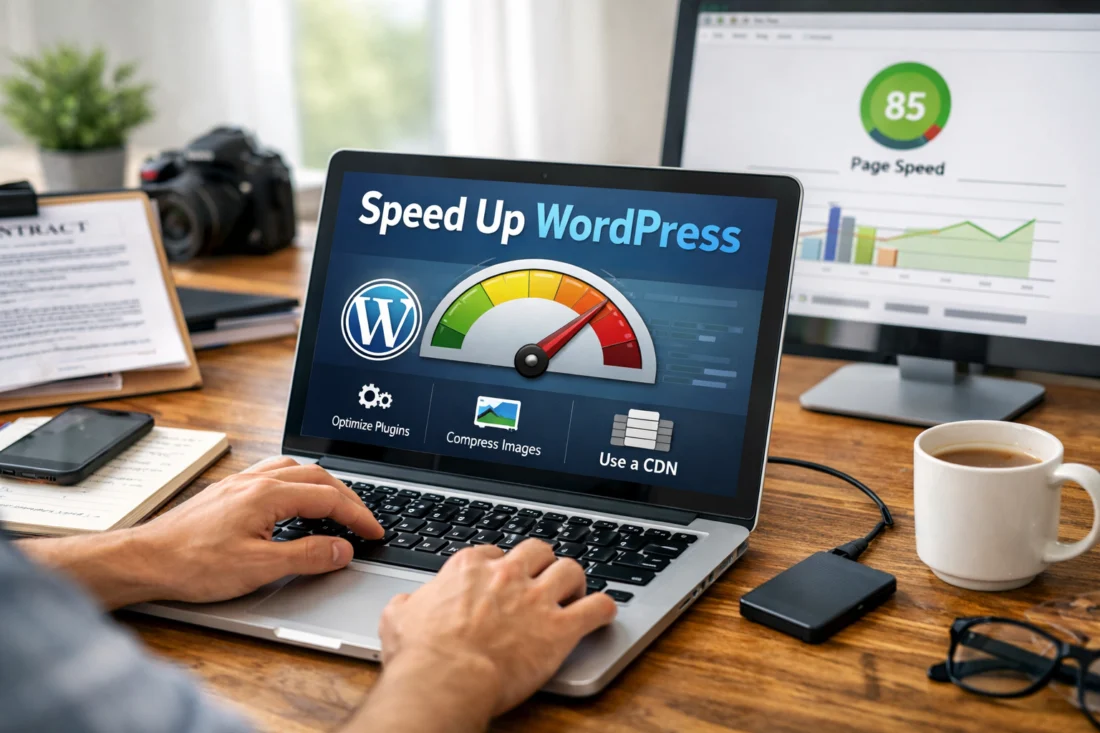
Media files are another major factor influencing site speed. Unoptimized images and videos can significantly slow down a website, increasing load times. Efficient management of these files through compression and the use of modern formats like WebP is essential for maintaining a fast site. For guidance on this, refer to our resource on how to optimize images for speed.
Step-by-Step Guide to Speed Up Your WordPress Site
Conducting a speed audit is the first step in improving website speed. Tools like Google PageSpeed Insights, GTmetrix, and Pingdom provide valuable insights into your site’s current performance and highlight areas for improvement. These tools measure various aspects of site speed, such as server response time and the efficiency of caching mechanisms.
Implementing caching solutions is a proven method for speeding up WordPress sites. Caching stores a version of your site’s content, reducing the need to repeatedly fetch data from the server. Popular caching plugins like W3 Total Cache and WP Super Cache can significantly enhance site speed by minimizing server load and improving response times.
Optimizing images is another critical step. By compressing images without losing quality and using lazy loading techniques, you can reduce the overall size of your web pages, leading to faster load times. However, it’s important to maintain a balance between speed and visual appeal, ensuring that image quality is not compromised in the process. For more advanced techniques, explore our article on improving website speed.
Transform Your Site's Speed. Transform Your Business.
Fast Websites. More Conversions.
Speed is essential for both user experience and SEO. Let our web design experts optimize your WordPress site to load faster, engage visitors, and boost your online presence.
29 Years of Experience • Satisfaction-Focused Approach • Free On-Page SEO for New Projects
Common Mistakes to Avoid When Optimizing WordPress Speed
One common mistake is the over-reliance on plugins for speed optimization. While plugins can enhance functionality, using too many can slow down your site. It’s important to evaluate the necessity of each plugin and deactivate those that are redundant or not optimized for speed.
Another misconception is that all CDNs (Content Delivery Networks) are equally effective. While CDNs can distribute your content globally to reduce load times, not all are created equal. Choosing a CDN that aligns with your specific needs and offers reliable performance is crucial for maximizing speed benefits.
Neglecting regular updates and maintenance poses significant risks. Outdated themes, plugins, and core files can lead to security vulnerabilities and performance issues. Regularly updating your WordPress site ensures you’re benefiting from the latest speed optimizations and security patches. Avoiding these common pitfalls is key to maintaining a fast, efficient website.
Comparing Optimization Tools and Techniques
When comparing caching plugins, it’s essential to consider features like ease of use, compatibility, and the specific caching methods they employ. For instance, WP Rocket is renowned for its advanced features and user-friendly interface, making it a popular choice among WordPress users.
ACCELERATE YOUR WORDPRESS PERFORMANCE
Transform your website with eDesignerz’s expert WordPress optimization services. Fast, mobile-friendly designs that enhance user experience and improve SEO are just a consultation away.
REQUEST A FREE CONSULTATION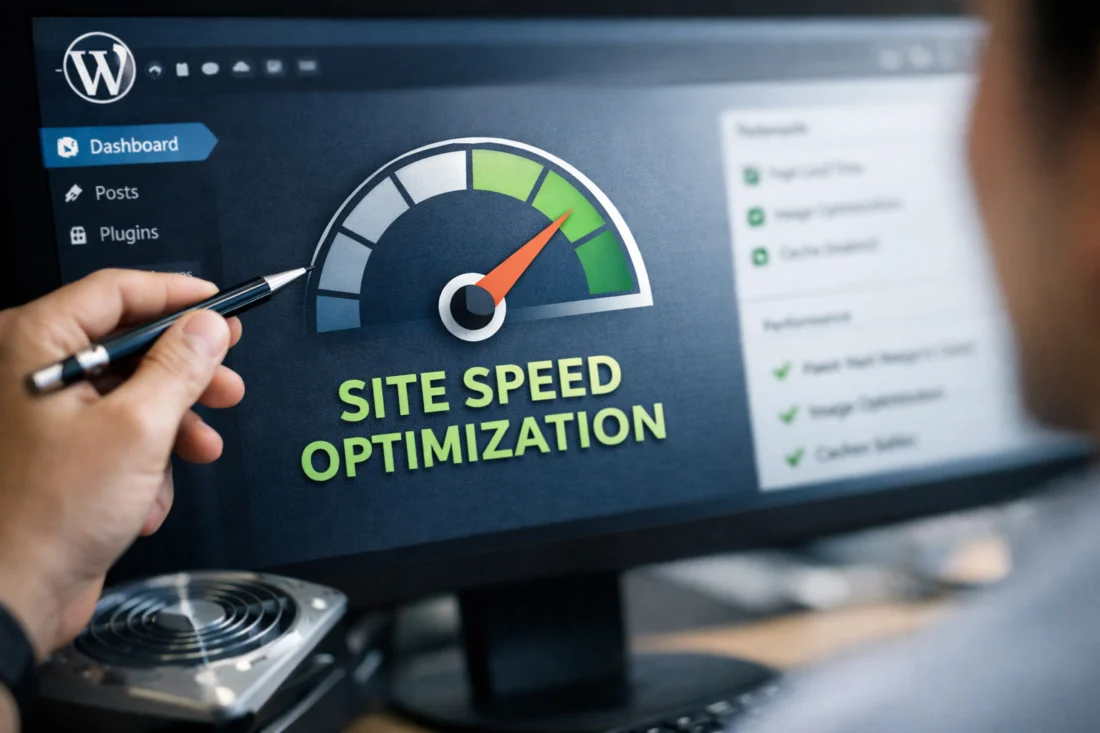
Image optimization tools vary in effectiveness, with options like ShortPixel and Imagify offering automatic compression and bulk optimization features. These tools help reduce image file sizes without sacrificing quality, crucial for maintaining a visually appealing but fast-loading site.
Content Delivery Networks (CDNs) such as Cloudflare and Amazon CloudFront offer varying benefits. While Cloudflare is known for its free plan and robust security features, Amazon CloudFront provides extensive global reach and advanced customization capabilities. When choosing between paid and free tools, consider the cost-benefit analysis and how each tool aligns with your site’s needs.
Advanced Considerations for WordPress Speed Optimization
Server-side optimizations can greatly impact WordPress speed. Techniques such as enabling GZIP compression, optimizing server settings, and using the latest PHP version are critical for enhancing performance. These optimizations reduce the load on the server and improve response times, particularly for high-traffic sites.
Database optimization is another advanced strategy. Regularly cleaning up your database by removing unnecessary data such as post revisions, spam comments, and expired transients can significantly speed up your site. Plugins like WP-Optimize can automate this process, ensuring your database remains lean and fast.
Lazy loading is a technique used to delay the loading of non-essential elements until they’re needed. This can improve initial load times and reduce the amount of data loaded on initial page visits. However, it’s important to test lazy loading extensively to ensure it doesn’t negatively impact user experience or SEO. For those managing high-traffic sites, these advanced strategies are essential for maintaining optimal performance.
Frequently Asked Questions About Speeding Up WordPress Sites
How can I test my WordPress site speed?
Testing your WordPress site speed can be done using tools like Google PageSpeed Insights, GTmetrix, and Pingdom. These platforms provide detailed reports on your site’s performance, highlighting areas that need improvement for faster loading times.
What is the best plugin for speeding up WordPress sites in 2026?
In 2026, WP Rocket remains a top choice for speeding up WordPress sites due to its comprehensive features and ease of use. Its advanced caching capabilities and integration with CDNs make it a powerful tool for optimizing site speed.
How often should I optimize my WordPress site for speed?
Regular optimization is recommended, typically once every quarter, or in response to significant changes in traffic patterns or content updates. Frequent checks ensure that your site remains fast and responsive as it evolves.
What are the most effective ways to reduce server response time?
Reducing server response time can be achieved by optimizing your database, using a reliable hosting provider, and employing caching solutions. These strategies minimize server load and improve the speed at which your site responds to user requests.
Can using too many plugins slow down my WordPress site?
Yes, using too many plugins can slow down your WordPress site. Each plugin adds to the site’s load, which can decrease performance. It’s advisable to use only necessary plugins and ensure they are optimized for speed.
OPTIMIZE YOUR WORDPRESS SITE. BOOST YOUR PERFORMANCE.
Fast-loading websites enhance user experience and improve SEO rankings. Our expert services in WordPress development and speed optimization can transform your site into a high-performance powerhouse that attracts and converts visitors.
REQUEST A FREE CONSULTATIONIn conclusion, speeding up your WordPress site is vital for enhancing user experience and improving SEO rankings. Continuous monitoring and implementation of the latest optimization techniques are essential for maintaining optimum performance. Consider consulting with a WordPress expert or exploring further resources to enhance your site’s speed and functionality.