
In the digital age, having a robust arsenal of web design tools is crucial for crafting engaging, user-friendly websites. As we look toward 2026, knowing the essential web design tools every designer should know is vital for staying competitive and innovative in the rapidly evolving design landscape. This article aims to empower designers by exploring the most important tools and offering guidance on selecting the right ones to enhance creativity and efficiency.
Last updated: April 2026
Contents
- 1 Understanding the Role of Web Design Tools
- 2 How to Choose the Right Web Design Tools for Your Needs
- 3 Common Mistakes When Selecting Web Design Tools
- 4 Exploring Categories of Essential Web Design Tools
- 5 Advanced Considerations: Beyond Basic Web Design Tools
- 6 What Most Guides Get Wrong About Web Design Tools
- 7 Frequently Asked Questions About Essential Web Design Tools Every Designer Should Know
- 7.1 What are the must-have web design tools in 2026?
- 7.2 How do I integrate new web design tools into my workflow?
- 7.3 Are free web design tools effective for professional projects?
- 7.4 What are the best collaborative web design tools for remote teams?
- 7.5 How often should I update my web design toolkit?
Understanding the Role of Web Design Tools
Web design tools are pivotal in creating user-friendly websites, as they streamline processes and enhance creativity. Over the years, these tools have evolved significantly, impacting the industry by simplifying complex tasks and allowing for more innovative designs. They enable designers to focus on aesthetics and functionality, ensuring that the end product meets user needs effectively.
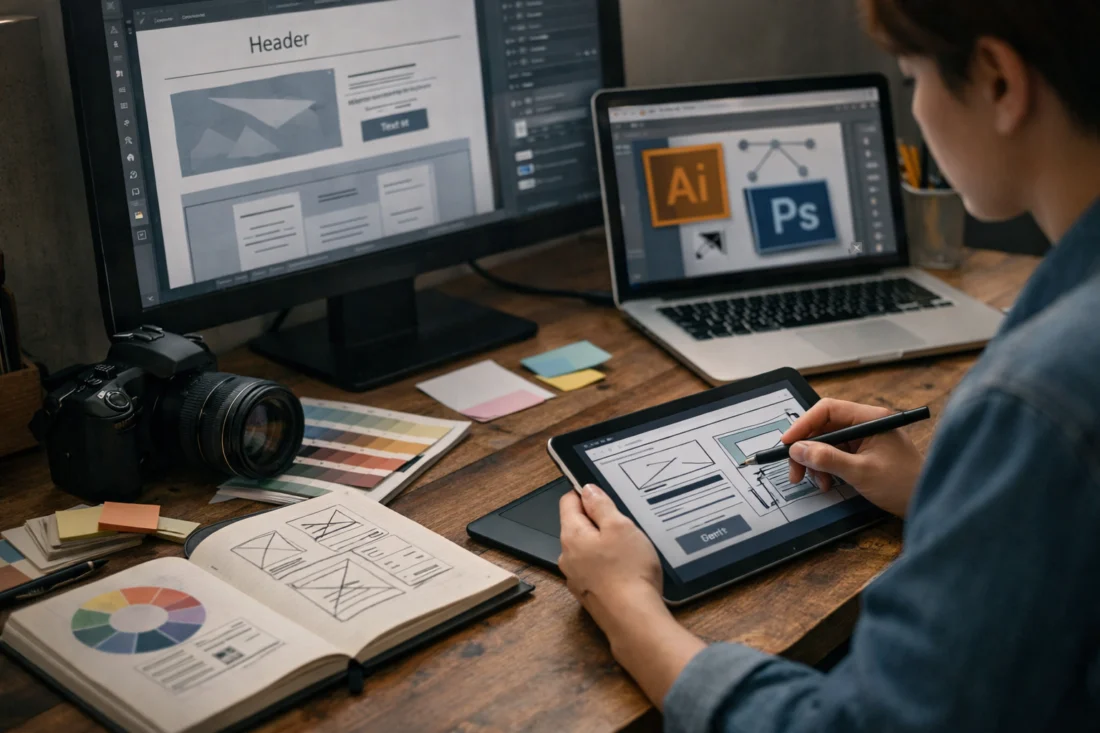
The evolution of web design tools has transformed the industry by introducing features that improve workflow and efficiency. These tools now offer capabilities such as real-time collaboration, cloud storage, and integration with other platforms, which allow for smoother project management and execution. As a result, designers can produce high-quality work with less effort and time.
Despite their significance, many still hold misconceptions about the necessity of using web design tools. Some argue that these tools limit creativity, but in truth, they allow designers to dedicate more time to innovative solutions. It's essential to recognize that the right resources can improve the design process, especially when focusing on creating effective SEO strategies.
How to Choose the Right Web Design Tools for Your Needs
Selecting the right web design tools involves understanding project requirements and evaluating tools based on usability, compatibility, and scalability. Start by identifying your project’s specific needs, such as the complexity of the design, the need for collaboration, or the level of interactivity required. This will help narrow down the options.
When evaluating web design tools, consider criteria such as ease of use, integration capabilities, and future scalability. Beginners may prefer intuitive, user-friendly tools, while advanced designers might seek out software offering more robust features. Budget constraints and tool longevity are also crucial factors, as some tools require ongoing subscriptions or have additional costs for premium features.
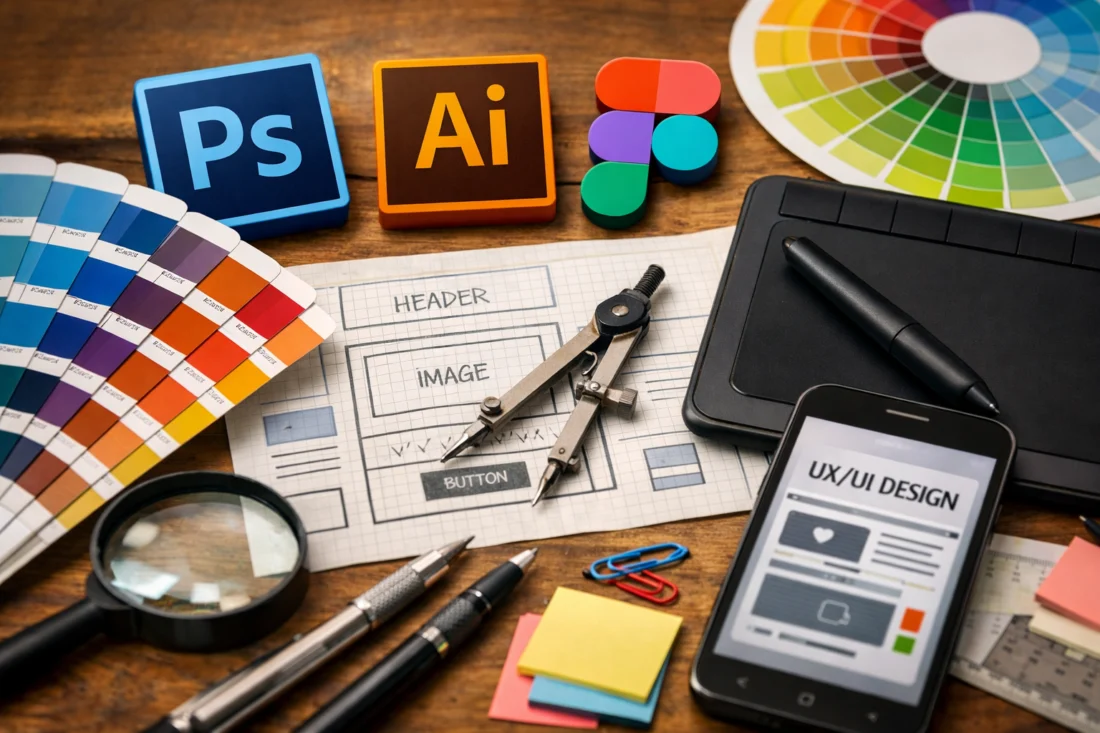
Deciding between tools can be challenging, especially with numerous options available. Consider creating a comparison table to weigh the pros and cons of each option. Remember that the “best design frameworks” often integrate well with various tools, enhancing functionality and streamlining processes for a more efficient workflow.
Common Mistakes When Selecting Web Design Tools
One common mistake is choosing tools based solely on popularity rather than assessing personal needs and project requirements. While popular tools may seem like a safe choice, they might not always be the best fit for specific tasks or preferences. It’s essential to evaluate how well a tool aligns with your workflow and project goals.
Another pitfall is overlooking tool updates and new features. Keeping up with updates ensures that you are using the tools to their fullest potential. Additionally, misconceptions about the effectiveness of free versus paid tools can lead to suboptimal choices. While free tools may suffice for some projects, paid options often offer enhanced capabilities and support.
Finally, successful designers understand the importance of ongoing learning and adaptation. As the industry evolves, so do the tools. Staying informed about the latest developments can prevent you from falling behind and help you maintain a competitive edge, especially when building a “successful SEO campaign.”
Exploring Categories of Essential Web Design Tools
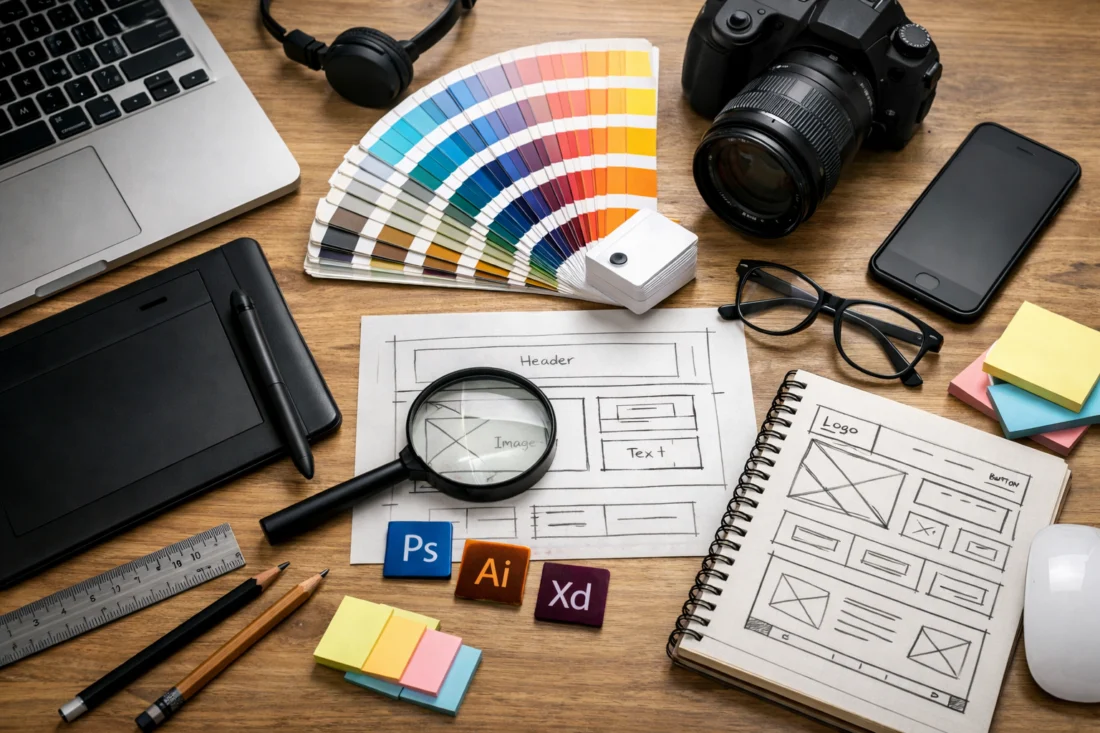
Web design tools can be categorized into prototyping, wireframing, graphic design, and collaboration. Each category serves a different purpose and comes with its own set of benefits and limitations. Prototyping tools allow designers to create interactive models of a website, which is crucial for testing user flow and functionality.
Wireframing tools help in laying out the basic structure of a website, focusing on content placement and navigation. They are essential for planning a site’s layout without getting bogged down by design details. Graphic design tools, on the other hand, are used for creating visual elements such as logos, icons, and images, contributing significantly to the overall aesthetic appeal.
Collaboration tools are indispensable for teams working remotely, as they facilitate communication and project coordination. While some tools excel in specific areas, they may fall short in others. For instance, a tool great for prototyping might lack advanced graphic design features. It’s crucial to choose the right combination of tools to cover all aspects of a project, ensuring a seamless workflow.
Advanced Considerations: Beyond Basic Web Design Tools
For seasoned designers, advanced tools offer features that go beyond basic design capabilities. These tools often provide integration with other software and platforms, allowing for a more cohesive design process. For example, tools that support emerging technologies like AI and VR can be game-changers for designers looking to push the boundaries of web design.
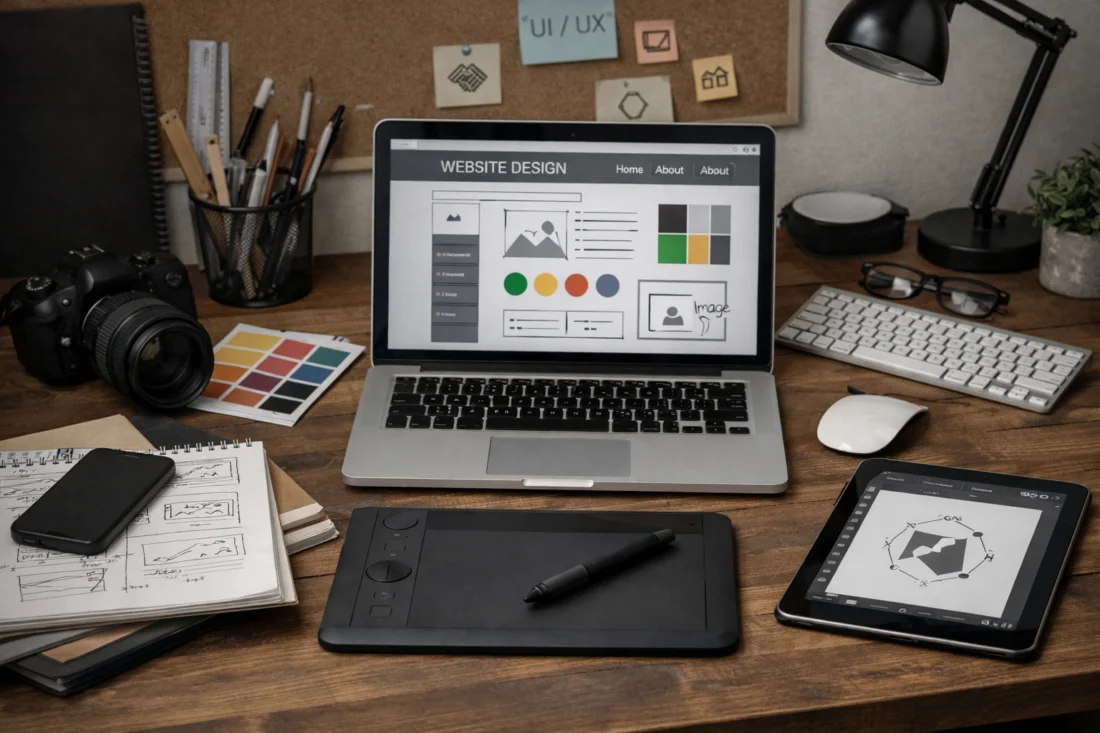
Such tools are especially beneficial for complex projects that require specialized capabilities. For instance, a project involving interactive 3D elements might necessitate a tool with robust rendering capabilities. Additionally, integration features can streamline the workflow by allowing data to flow seamlessly between different applications, reducing the need for manual input.
While advanced tools provide various advantages, they also come with a significant learning curve. It's essential to balance the benefits against the time and effort needed to master these tools. Designers should also consider how these tools contribute to the concept of eco-friendly web design strategies, ensuring that their use enhances efficiency and promotes environmental responsibility.
What Most Guides Get Wrong About Web Design Tools
Many guides overemphasize tool features without considering the user experience. While having a plethora of features might seem beneficial, it’s more important to ensure that the tool enhances the design process rather than complicates it. The best tools are those that provide a smooth, intuitive user experience.
Another common misconception is that more tools equate to better results. In reality, a streamlined toolkit often yields more efficient workflows. Designers should focus on mastering a few key tools rather than spreading themselves too thin across many. The importance of community support and ongoing updates cannot be overstated, as these factors ensure that a tool remains relevant and useful in the long term.
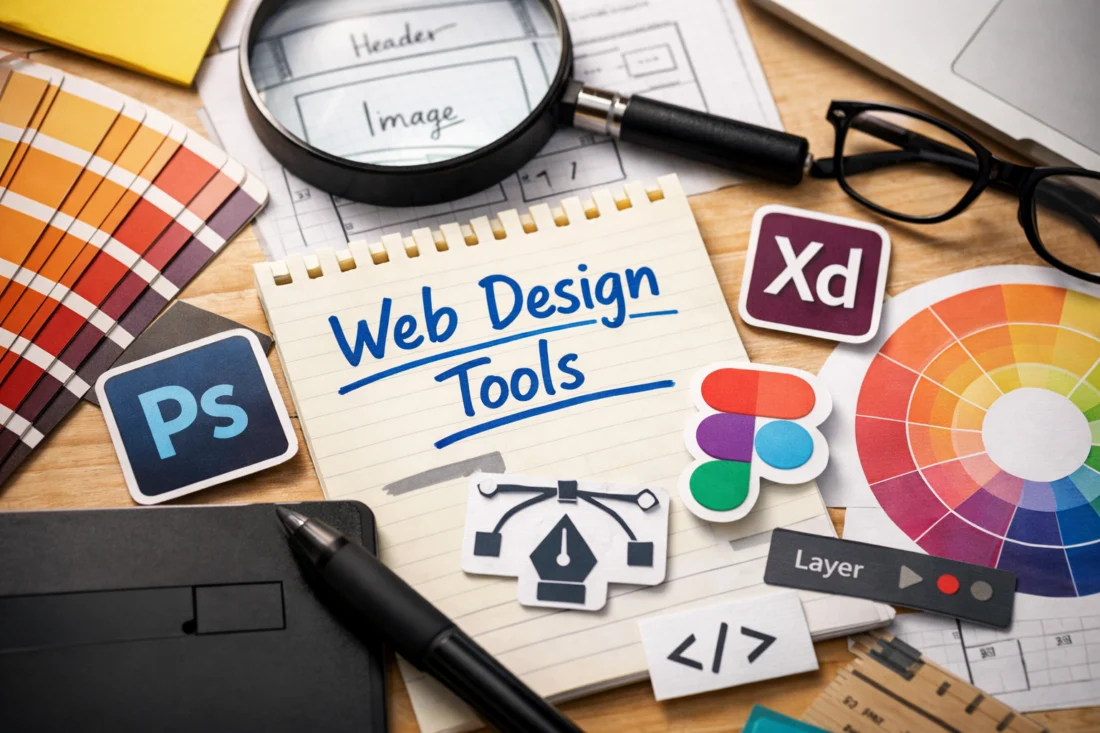
It’s crucial to challenge the myth that popular tools are automatically the best choice. While they may be widely used, they might not be the ideal fit for every project. Designers should prioritize tools that align with their specific needs and project goals, ensuring that they effectively contribute to the overall success of a project, much like mastering “WordPress plugin mastery” for enhanced functionality.
Frequently Asked Questions About Essential Web Design Tools Every Designer Should Know
What are the must-have web design tools in 2026?
In 2026, must-have web design tools include those that offer advanced collaboration features, integration with AI and VR technologies, and robust prototyping capabilities. Popular tools like Figma, Adobe XD, and Sketch continue to be essential, while emerging tools with unique features are also gaining traction in the industry.
How do I integrate new web design tools into my workflow?
Integrating new web design tools into your workflow requires careful planning and adaptation. Start by identifying how the new tool complements your existing toolkit, and gradually incorporate it into your projects. Training sessions and tutorials can also aid in the transition, ensuring a seamless integration.
Are free web design tools effective for professional projects?
Free web design tools can be effective for professional projects, especially for smaller tasks or as supplementary resources. However, they may lack some of the advanced features and support offered by paid tools. It’s important to evaluate the tool’s capabilities and limitations before committing to its use in a professional setting.
What are the best collaborative web design tools for remote teams?
The best collaborative web design tools for remote teams include Figma, Miro, and Trello, as they offer features that facilitate real-time collaboration, communication, and project management. These tools help teams stay connected and organized, regardless of geographical location.
How often should I update my web design toolkit?
It’s advisable to update your web design toolkit regularly, at least once a year, to keep up with the latest advancements and features. Staying current with updates ensures optimal performance and access to cutting-edge tools that can enhance your design capabilities. Regular updates also help in adapting to new industry standards and demands.
In conclusion, selecting the right web design tools is crucial for enhancing efficiency and creativity. As the design landscape continues to evolve, continuous learning and adaptation are necessary to stay ahead. Designers are encouraged to explore and experiment with different tools to find their ideal toolkit. Consider comparing your current tools, consulting with peers, or exploring new options to ensure you’re equipped with the best resources for your projects.