

Using images for SEO optimization means choosing, compressing, labeling, and placing visuals so they improve search visibility, user experience, and page relevance without slowing the page or creating accessibility problems. In 2026, that matters because images can attract organic traffic from web search and image search, strengthen engagement, and help search engines understand a page when they are supported by clear context. This guide covers both the technical side and the content side, so you will know how to select the right image, write effective alt text, avoid common mistakes, and make smarter decisions about file formats, delivery, and accessibility.
Why images influence SEO performance
Images influence SEO because they help search engines and users understand what a page is about, how useful it is, and whether it satisfies the search intent. A strong image strategy can improve click-through behavior, time on page, and the overall experience signals that often accompany better rankings. That is especially true for articles, product pages, tutorials, and landing pages where visuals clarify meaning faster than text alone.
Search engines do not “read” images the way people do, so they rely on surrounding signals such as the page topic, filename, alt text, caption, heading structure, and nearby copy. A photo that genuinely supports the content can reinforce topical relevance, while an unrelated stock image usually adds little beyond decoration. This is why image SEO is usually an indirect ranking advantage rather than a standalone shortcut.
The difference matters in practice. An infographic that explains a process, a screenshot that shows a setting, or a product photo with visible attributes all contribute to clarity. A generic abstract image often does not. When teams improve visual design impact and support it with user experience signals, the page tends to feel more complete, more trustworthy, and easier to scan. That alignment is where image SEO becomes useful.
How to optimize images for SEO step by step
the best image optimization process starts with selecting visuals that answer a real user need. If the page explains a concept, use a diagram or screenshot that makes the concept easier to grasp. If the page sells a product, use images that show details, scale, texture, and use cases instead of filler visuals that merely occupy space.
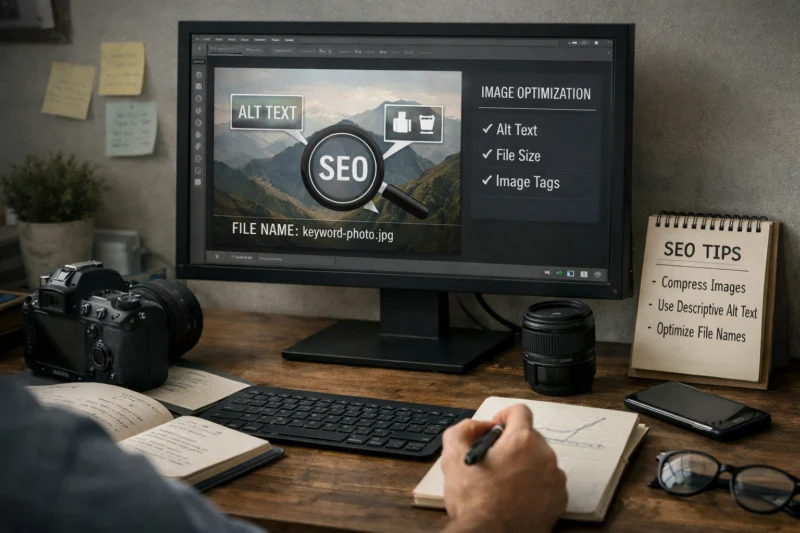
Before publishing, optimize the filename, dimensions, compression, and alt text. A filename like blue-running-shoes-side-view.webp is more useful than IMG_4921.jpg because it gives context immediately. Crop images to the size actually needed on the page, compress them so they load efficiently, and keep the visual quality high enough that the image still serves its purpose. This is one of the core on-page SEO tactics that teams often treat as optional, even though it affects both discovery and usability.
Placement also matters. Put images where they support the surrounding paragraph, not where they interrupt the page flow. In a long guide, an image can break up dense sections and improve readability; in a product page, it can remove doubt before the user scrolls further. The deeper decision is whether the image should be informative, decorative, or omitted entirely. If it does not add meaning, leaving it out can improve clarity and reduce page weight. For teams focused on faster image loading, that restraint often creates better results than adding more assets.
What to look for when choosing image formats and delivery options
The right format depends on the image type, browser support, and performance goals. JPEG is still useful for photographs and complex gradients, PNG works well for graphics that need transparency or crisp edges, WebP offers strong compression for most web images, and AVIF can produce even smaller files in many cases. No single format is best for every site, which is why format choice should be tied to the image itself rather than hype about file size.
Responsive image sizing matters at least as much as format selection. If a browser downloads a large image and then displays it at a much smaller size, you waste bandwidth and slow the page. That is why responsive image sizing should be part of the plan for modern SEO and performance work, especially on mobile-heavy sites. A properly sized WebP usually beats an oversized AVIF that is implemented poorly.
Delivery also shapes performance. Lazy loading can reduce initial load cost for images below the fold, and a CDN can improve delivery across regions by serving files from a closer location. Browser compatibility still matters, especially if your audience includes older devices or embedded browsers. The best approach is to match the delivery method to the page type, audience mix, and speed target. For a deeper technical perspective, Google’s Web.dev and the MDN image guide are useful references, especially when comparing practical behavior across formats.
| Format | Best for | Strength | Tradeoff |
|---|---|---|---|
| JPEG | Photos | Wide compatibility, reasonable compression | No transparency, lower efficiency than newer formats |
| PNG | Logos, screenshots, graphics | Sharp edges, transparency support | Larger files for photos |
| WebP | Most general web use | Good compression and broad modern support | Fallback planning still helps on older environments |
| AVIF | Performance-focused sites | Very small file sizes at good quality | Encoding can be slower and compatibility must be checked |
Alt text, captions, and surrounding copy: what each one does
Alt text, captions, and surrounding copy do different jobs, and confusing them leads to weaker optimization. Alt text is primarily for accessibility and machine understanding. Captions are for readers who need context. Surrounding copy tells search engines how the image fits the page topic.
OPTIMIZE YOUR WEBSITE IMAGES
Unlock the full potential of your website with expertly designed visuals that improve SEO, user experience, and conversion rates. Let's create images that work as hard as you do!
REQUEST A FREE CONSULTATIONGood alt text is concise and descriptive. It should explain what matters about the image, not repeat the page keyword or narrate every tiny detail. For example, “person adjusting a camera tripod on a rooftop at sunset” is stronger than “SEO image optimization tips 2026.” The first describes the image; the second sounds stuffed. This is where many guides get it wrong: they treat alt text like a ranking field instead of a usability feature.
Captions can be especially useful when the image contains information that is easy to miss in the body copy, such as a chart, product comparison, or step in a tutorial. They help users process the page faster and can reinforce the message without being a direct ranking lever. Nearby headings and body copy still matter because search engines use the whole context to interpret the image. In accessibility-first optimization, the key edge case is decorative imagery: if an image adds no meaningful information, empty alt text is often the correct choice. Over-describing those images can reduce clarity and create noise.
Common mistakes that weaken image SEO
The most common mistake is uploading oversized images and assuming the browser will handle the rest. Large files increase load time, hurt page speed effects, and often create a poor mobile experience. Missing dimensions can make the layout jump as images load, which is a bad signal for usability and can frustrate readers before they reach the main content.
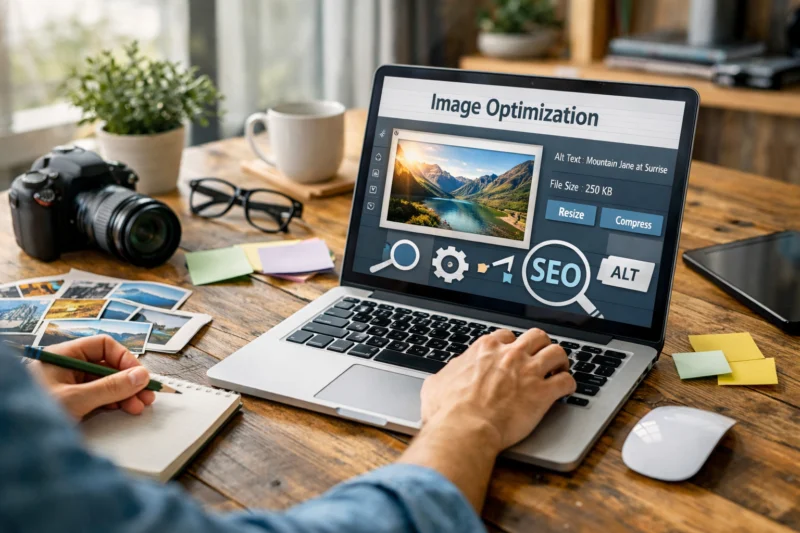
Another frequent problem is using generic filenames and vague stock visuals. A file named image1.jpg tells search engines almost nothing, and a random stock image may not support the topic at all. Keyword stuffing in alt text is another weak tactic. It rarely helps, and it can make accessibility worse by forcing screen reader users through awkward phrasing.
A deeper pitfall is assuming that more images automatically mean more SEO value. A page can have too many visuals if they distract from the intent, clutter the layout, or slow the page without adding meaning. That is especially harmful when images create layout instability or fail to match the topic. Image optimization works best when it supports page quality and content quality influence together. A page that is visually busy but unclear is usually weaker than a page with fewer, better-chosen visuals.
Advanced image SEO considerations most guides miss
Image sitemaps are useful when images are important to discovery and indexing, especially for large sites, galleries, ecommerce catalogs, or content libraries where images may be harder to find through internal links alone. They are not required for every site, but they can help search engines discover image assets at scale. If your site publishes a lot of unique visual material, an image sitemap can be a practical support tool rather than a vanity feature.
Structured data also matters, but only when it matches the page type and the visible content. Product, recipe, how-to, and article markup can help search engines connect the page to the right context. This is where schema markup essentials connect with image SEO because visual assets often support rich results, trust, and clearer interpretation. Licensing signals also matter for publishers and media sites that want images to be reused or properly attributed. Google’s official Search Central documentation is the best place to verify current implementation details.
The long-term advantage comes from accessibility-first optimization. Descriptive images, clear alt text, and meaningful visual hierarchy help more users succeed, not just search crawlers. That approach is especially important for screenshots, infographics, ecommerce galleries, and other pages where images carry meaning without much nearby text. In those cases, the image is not decoration; it is part of the explanation. Sites that treat images as core content tend to build stronger trust and more durable SEO performance.
These decisions also connect to broader product and content planning. A site that pairs strong visual design impact with clear editorial intent usually performs better than one that uses polished visuals without relevance. In other words, image SEO is rarely isolated; it supports the same structural choices that improve page clarity, internal linking, and the overall content experience.
Comparing image optimization approaches for different content types
Different page types need different image strategies. Blog posts usually benefit from a few well-chosen visuals that explain concepts, break up long sections, and support comprehension. Product pages often need multiple high-quality images because users want to inspect details, compare variants, and reduce purchase uncertainty. Landing pages usually prioritize speed and persuasion, so every image must earn its place. Tutorials depend on screenshots, diagrams, and step images that remove friction from each task.
Want to enhance your website's SEO with images?
At eDesignerz, we specialize in creating visually stunning, SEO-optimized websites tailored to your business needs. Our team can help you select, optimize, and strategically use images to boost your site's performance and engagement.
The tradeoff is simple: blogs often balance clarity with readability, product pages balance persuasion with detail, and tutorials balance comprehension with instructional accuracy. A blog illustration can be more conceptual, while a product detail image must be precise. A screenshot that works in a tutorial may feel cluttered on a landing page. That is why the same optimization rules change based on intent. One size does not fit all.
For example, a marketing article can use one hero image and a few diagrams, but an ecommerce product page may need zoomable galleries, variant-specific alt text, and responsive image sizing across multiple breakpoints. A tutorial may need annotations, cropped screenshots, and captions that explain where to click. These differences affect both speed and usability, so teams should tune image strategy to the page format rather than apply a generic template. When you align images with content structure, you get better on-page SEO best practices and a cleaner user path.
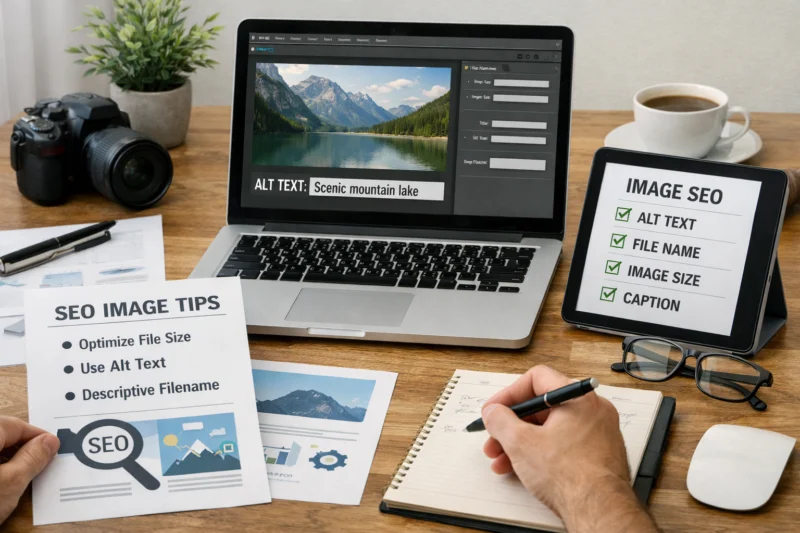
How to measure whether image optimization is working
You can measure image optimization through a combination of search data, engagement data, and technical performance metrics. Look at organic impressions, image search visibility, click-through rate, scroll depth, time on page, and page speed reports. If images are helping, users often engage more smoothly even before rankings visibly improve.
It is important to separate image-driven gains from broader SEO changes. A ranking lift may come from better content, stronger internal links, or improved technical performance overall, not from images alone. Still, image changes can show up in practical ways: lower bounce on mobile, fewer layout shifts, improved LCP, or more traffic from image search. Google Search Console and analytics tools help you connect those changes to specific pages and query patterns.
If results do not improve, audit the context before blaming the image itself. Check whether the file is still too heavy, whether the alt text is actually descriptive, whether the image matches the page topic, and whether the surrounding paragraph explains why it exists. The deeper nuance is that some wins appear first in user behavior rather than rankings. Better comprehension, fewer exits, and more confident clicks are often the earliest signs that image optimization is working. That is why the measurement process should track both technical and behavioral signals, not just positions.
For broader performance work, image optimization should be evaluated alongside faster image loading, page speed effects, and other content support systems. A single image fix may not transform rankings, but a disciplined workflow usually improves the page in ways search engines can recognize over time.
Frequently Asked Questions About using images for SEO optimization
What is the most important part of image SEO?
The most important part is relevance: the image should support the page’s topic and help the user understand the content. After that, accessibility and file performance matter because they affect how usable and fast the page feels.
How do you write alt text for SEO without keyword stuffing?
Write alt text as a short description of what the image shows and why it matters. Use keywords only if they fit naturally, and skip them entirely if they do not add meaning.
Does image file format affect SEO directly?
Not directly, but it affects speed, quality, and user experience, which can influence SEO outcomes. A lighter format that preserves clarity can reduce load time and improve engagement.
How many images should a page have for SEO?
Use as many images as the content needs to explain the topic clearly. A page with one strong image can outperform a page with five irrelevant ones, so usefulness matters more than quantity.
What are the best images for SEO optimization on blog posts?
The best blog images are original, relevant, and useful for understanding the main point. Screenshots, diagrams, custom illustrations, and real product or process photos usually work better than generic stock images.
Should every image have alt text?
No. Decorative images can use empty alt text when they do not convey information, which helps screen readers skip unnecessary noise. Functional or informative images should always have descriptive alt text.
Enhance your website's performance with expert design and SEO.
Don't let subpar images hold back your SEO. Let our team at eDesignerz optimize your website with stunning visuals and effective strategies that improve search visibility and user experience.
Request a Free ConsultationConclusion
Using images for SEO optimization works best when visuals are relevant, lightweight, accessible, and supported by strong surrounding context. The strongest pages do not treat images as decorative extras; they use them as part of the message, the layout, and the overall page experience.
The three priorities are simple: give users real value, keep the page technically efficient, and describe images accurately. When those pieces work together, image optimization becomes part of page quality rather than a separate trick. That is why it connects naturally with user experience signals, on-page SEO tactics, and content quality influence.
The practical next step is to audit existing pages, fix the highest-impact image issues first, and then standardize a repeatable workflow for future content. Start with relevance, then compression, then alt text, then delivery. That sequence gives you the best chance of improving both usability and organic performance without over-optimizing.
Updated April 2026