
Animation in web design refers to the use of motion to enhance user interaction and visual storytelling on websites. As we navigate through 2026, understanding the best practices for using animation in web design is crucial for creating engaging user experiences that captivate audiences and encourage deeper interaction with content. This article will explore the various aspects of animation, providing insights into how it can elevate user experience and engagement.
Understanding Animation in Web Design
Animation in web design encompasses various techniques, including transitions, micro-interactions, and loading animations. Transitions smooth out changes between states, while micro-interactions provide feedback on users’ actions, such as liking a post or submitting a form. Loading animations keep users engaged while content loads, which can significantly reduce perceived wait times and enhance overall satisfaction.
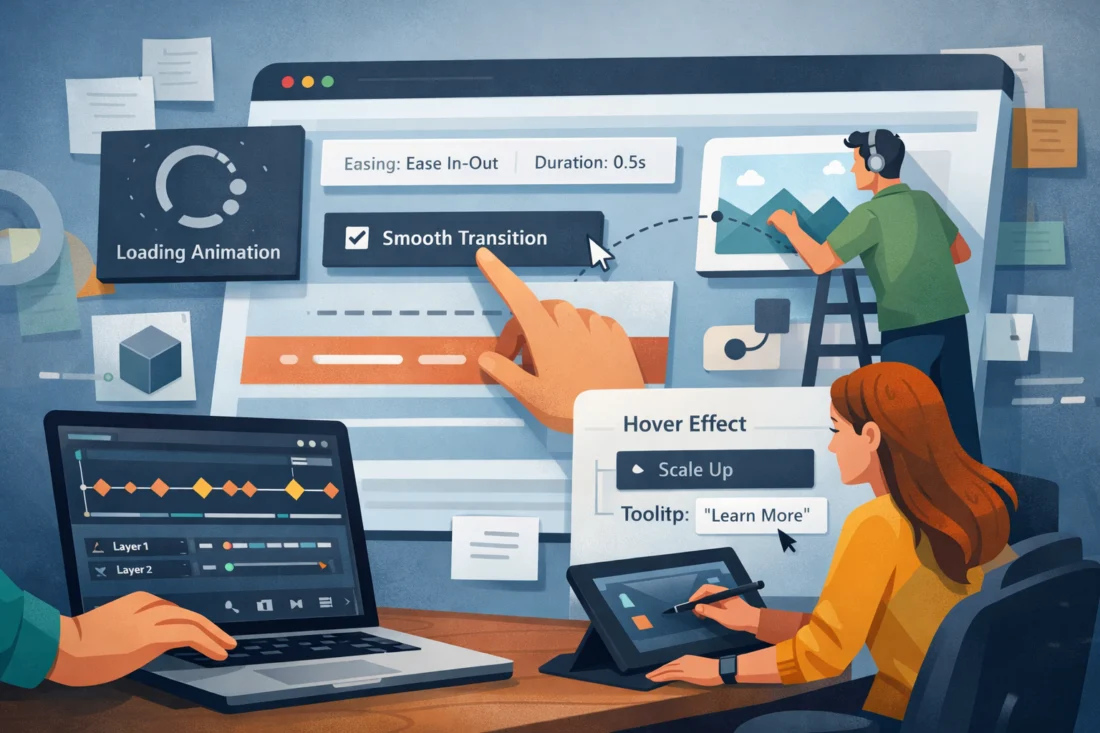
The psychological impact of animation cannot be underestimated. It captures attention, guides users through content, and can even evoke emotions, making it a powerful tool for storytelling and brand identity. When executed well, animations can effectively communicate a brand’s personality and values, influencing how users perceive the brand and driving engagement.
Effective animation practices benefit a wide range of stakeholders, including designers, developers, and marketers. Designers can utilize animation to create intuitive user interfaces, while developers can enhance functionality. Marketers can leverage animations to tell compelling brand stories. However, it’s essential to recognize that cultural differences can influence animation preferences. For example, while fast-paced animations may appeal to younger audiences in urban areas, slower, more deliberate animations might resonate better with older users or those from different cultural backgrounds.
How to Effectively Implement Animation in Web Design
To incorporate animation effectively into web design projects, a step-by-step process should be followed. First, define the objectives of the animation. Is it meant to draw attention, provide feedback, or enhance storytelling? Next, align your animation choices with brand goals and user expectations. Utilizing the importance of visual hierarchy can help in determining where and how to best implement animations within the overall design.
User testing is critical in refining animation choices. Gather feedback from real users to understand how they interact with the animations. This feedback can reveal insights into what works and what doesn’t, allowing for adjustments that improve the user experience. Additionally, it is crucial to select the right type of animation for different contexts. For instance, a subtle hover effect may work well on a button, while a more elaborate entrance animation could be suitable for a hero section.
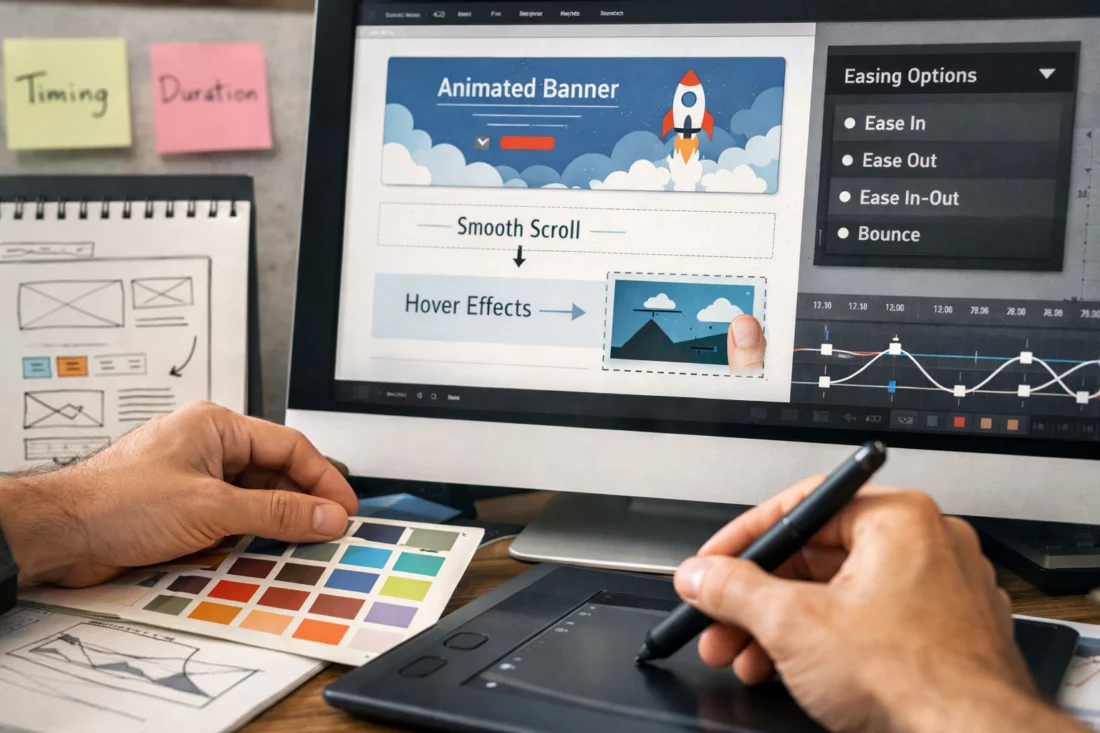
Balancing creativity with performance optimization is also essential. Heavy animations can slow down page load times and negatively impact user experience, particularly on mobile devices. Therefore, designers must ensure that their animations do not compromise the site’s performance while still being visually appealing and engaging.
Common Mistakes to Avoid in Animation
One of the frequent pitfalls designers encounter when using animation is overuse. Excessive animations can overwhelm users and detract from the primary content. Poor timing of animations can also lead to frustration, especially when animations are too slow or too fast, causing users to miss important information. Understanding common mistakes in web design is vital for creating a seamless experience.
Accessibility concerns are another critical aspect to consider. Animations that are distracting or fast can create challenges for users with sensory sensitivities. It’s essential to provide options for users to disable animations or ensure that they are not essential for interacting with the content. Furthermore, animations should be implemented thoughtfully to enhance usability rather than detract from it.
Many designers hold the misconception that animation is universally beneficial. While it can enhance user experience, poorly designed animations can lead to negative outcomes. For example, a case study involving a popular e-commerce site found that overly aggressive animations led to higher bounce rates as users became frustrated with the experience. Understanding these nuances can help designers avoid similar pitfalls.
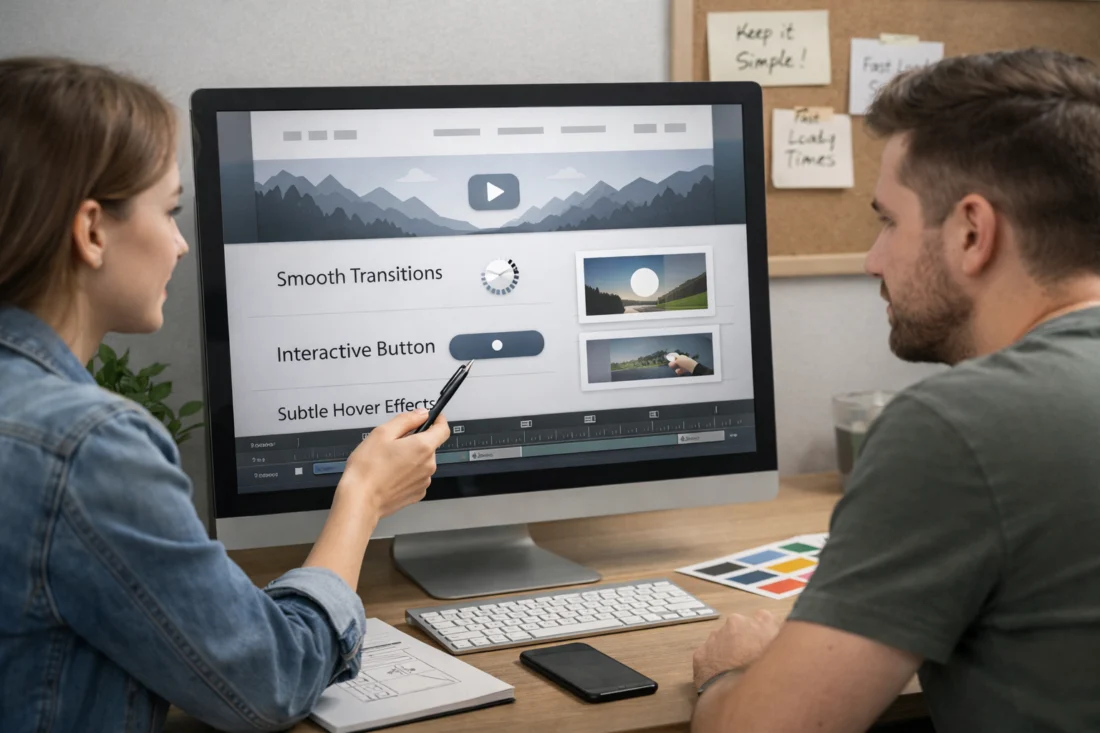
Comparing Animation Techniques in Web Design
There are several animation techniques available to web designers, including CSS animations, JavaScript libraries, and GIFs. CSS animations are lightweight and can be easily implemented for simple effects like transitions and hover states. JavaScript libraries, such as GreenSock or Anime.js, offer more complex animations with greater control but may come with increased load times.
OPTIMIZE YOUR WEBSITE WITH US
Transform your website with our expert design and development services that focus on user experience and conversion rates. Let's create stunning animations that captivate your audience while ensuring fast, functional web performance.
REQUEST A FREE CONSULTATIONGIFs are another option, commonly used for creating fun, animated visuals. However, they can be less efficient in terms of performance, especially if used excessively. Each technique has its pros and cons regarding performance and user experience, so understanding these trade-offs is crucial for making informed decisions.
When selecting animation methods for large-scale projects, scalability is a vital consideration. Some techniques may not perform well across various devices or platforms. For instance, mobile devices may struggle with complex JavaScript animations, necessitating a more straightforward approach for mobile users. Additionally, emerging technologies like AI and AR are changing how animations can be approached, allowing for more interactive experiences that cater to user preferences.
| Animation Technique | Pros | Cons |
|---|---|---|
| CSS Animations | Lightweight, easy to implement, good for simple transitions | Limited complexity |
| JavaScript Libraries | Highly customizable, great for complex animations | Potentially slower load times |
| GIFs | Fun and engaging, easy to share | Less efficient, larger file sizes |
Advanced Considerations for Animation in Web Design
Responsive design is crucial when considering animation, particularly in adapting animations for mobile versus desktop experiences. Mobile devices often have different performance capabilities, and animations that work well on desktop may not translate effectively to smaller screens. Ensuring animations are responsive can significantly enhance user experience across devices.
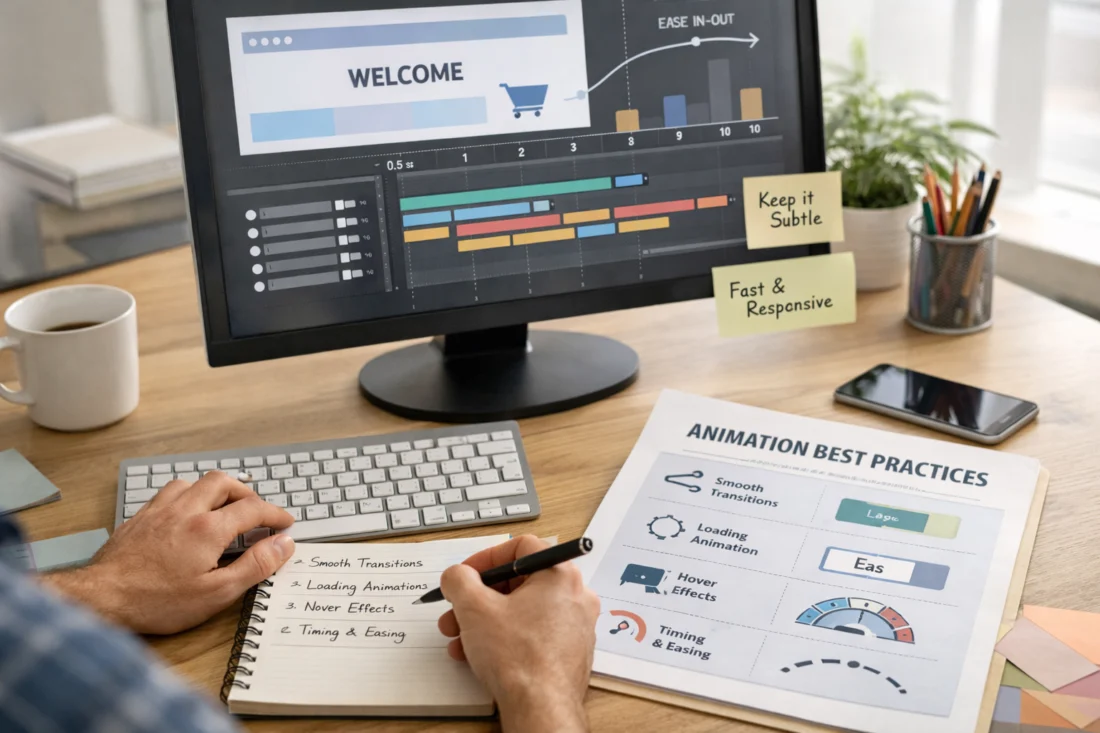
The impact of loading times and performance on the effectiveness of animations cannot be overlooked. Excessive or poorly designed animations can lead to slower site performance, which may frustrate users and increase bounce rates. Thus, optimizing animations for speed while maintaining visual appeal is essential for maintaining engagement.
As animations become more complex, designers must balance aesthetics and functionality. While intricate animations can enhance visual appeal, they must not interfere with usability. Future trends indicate a growing expectation for seamless, fast-loading animations that do not compromise user experience. Additionally, the ethical implications of using animation to influence user behavior warrant careful consideration, as designers must strive to create experiences that prioritize user autonomy and comfort.
Enhance your website with professional design and captivating animations.
Transform your online presence with our custom web design and development services, including expert animation techniques that elevate user experience and boost engagement.
Request a Free ConsultationMeasuring the Impact of Animation on User Experience
To evaluate the effectiveness of animations, key metrics should be identified, including engagement rates and bounce rates. Understanding how animations impact these metrics can provide valuable insights into user behavior. For instance, if a website experiences high engagement rates following the implementation of specific animations, it may indicate that those animations successfully enhance user experience.
A/B testing is a powerful tool for assessing the impact of animations. By comparing user interactions with different animation styles, designers can gain actionable insights into which options resonate best with their audience. Additionally, user feedback mechanisms, such as surveys or feedback forms, can help inform animation choices and lead to continuous improvement.
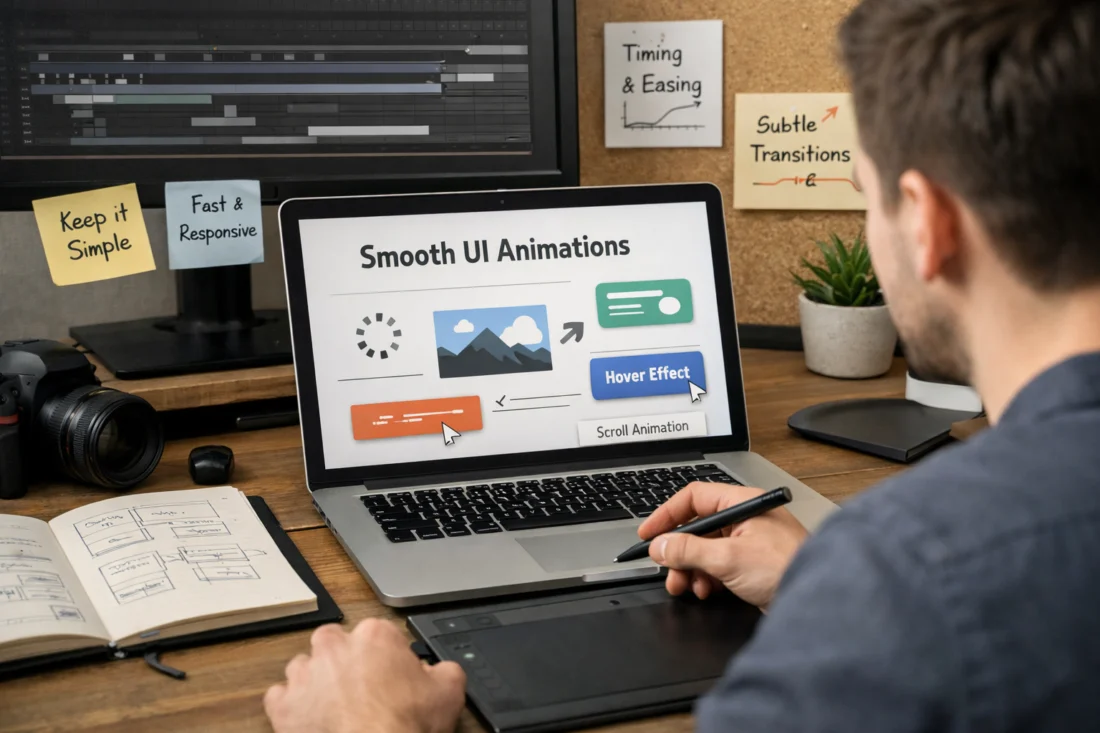
Real-world case studies demonstrate successful animation strategies based on data. For instance, an online retailer that implemented subtle animations on product pages saw a 20% increase in conversion rates, highlighting the importance of measuring and refining animation strategies. Moreover, different demographics may respond to animations differently, emphasizing the need for targeted approaches based on audience characteristics.
Incorporating the “Best Practices for Using Animation in Web Design” can significantly elevate your website’s appeal and functionality. By “enhancing user experience through micro-interactions,” designers can create a more engaging environment that keeps visitors interested. Additionally, understanding the “benefits of mobile-friendly design” is crucial in today’s digital landscape, where many users access sites via smartphones. These strategies align with “tips for successful website development,” ensuring that your site not only looks great but also performs well.
In addition to enhancing user experience, considering the impact of visual design on SEO can significantly improve search rankings. When combined with the role of high-quality content in satisfying search intent, these elements collectively drive traffic and ultimately contribute to boosting online sales through strategic design. As we explore these ideas further, we will address common questions in the fields of web design and animation.
Frequently Asked Questions About Best Practices for Using Animation in Web Design
What are the best practices for using animation in web design?
Best practices for using animation in web design include ensuring animations enhance rather than detract from usability, aligning animations with brand goals, and testing animations with real users to gather feedback. Keeping animations subtle and purposeful can significantly improve user experience.
How can animation enhance user experience on websites?
Animation can enhance user experience by providing feedback on user interactions, guiding users through content, and adding an engaging visual element to the design. Thoughtfully implemented animations can lead to higher user satisfaction and increased engagement.
Are there specific tools for creating web animations?
Several popular tools and software exist for creating web animations, including Adobe After Effects, Lottie, and CSS Animation libraries. These tools can help designers create visually appealing animations that improve user experience.
What are the common pitfalls of using animation in web design?
Common pitfalls include overusing animations, poor timing, and neglecting accessibility considerations. These mistakes can hinder user experience and detract from the overall effectiveness of a website.
How do I choose the right type of animation for my website?
Choosing the right type of animation involves considering the audience, objectives, and context of the animation. Aligning animations with the importance of visual hierarchy can also help in selecting the most effective approach.
UNLOCK THE POWER OF ANIMATION
Transform user experiences with cutting-edge web design that incorporates stunning animations, driving engagement and conversions. Let us enhance your site's visual storytelling and functionality today.
Conclusion
In conclusion, understanding the best practices for using animation in web design is essential for creating engaging and effective user experiences. By implementing animations thoughtfully, avoiding common pitfalls, and measuring their impact, designers can significantly enhance user interaction and satisfaction. Assessing current animation practices and seeking user feedback can lead to continuous improvement. For those looking to elevate their design, consulting with professionals or exploring animation tools is a worthwhile investment in optimizing user experience.
Updated April 2026