

URLs that are clear and concise are essential for improving both user experience and search engine optimization. To achieve this, it's beneficial to understand the principles of creating a clear URL structure, which emphasizes clarity and consistency. This approach can lead to enhanced site organization and less confusion, ultimately benefiting your overall rankings and user trust as you manage your web presence.
In practice, that means constructing URLs that are intuitive at first glance, relevant to the page content, and stable over time. Adhering to good URL best practices can enhance trust, facilitate better navigation, and minimize the confusion caused by messy duplicates that hinder crawling. They also provide a solid basis for content organization and long-term site maintenance. If you are considering broader site architecture, the page-level choice of URL format is closely linked to effective strategies for SEO and web design, which can ultimately improve your website's navigation and overall functionality.
Contents
- 1 What Makes a URL SEO Friendly
- 2 A Practical Process for Creating SEO-Friendly URLs
- 3 URL Structure Options: Slugs, Folders, and Site Hierarchies
- 4 Best Practices for SEO-Friendly URL Slugs
- 5 Common Mistakes When Creating SEO-Friendly URLs
- 6 Choosing the Right URL Format: Short vs. Descriptive, Static vs. Dynamic
- 7 Advanced Considerations Most Guides Miss
- 8 How to Edit Existing URLs Without Hurting SEO
- 9 Frequently Asked Questions About Creating SEO-Friendly URLs
- 10 Conclusion
What Makes a URL SEO Friendly
An SEO friendly URL is descriptive, concise, lowercase, and easy to read without extra context. It should tell a user and a crawler what the page is about before they even open it.
The best URLs work like labels, not sentences. They usually contain the page’s main topic, avoid clutter, and stay consistent with the site’s overall naming conventions. That helps both users and search engines infer relevance quickly, which is especially useful when a URL appears in search results, browser tabs, analytics tools, or shared messages. A clean URL can increase trust because it looks intentional rather than auto-generated.
What SEO friendly URLs do not mean is keyword stuffing, excessive length, or awkward exact-match phrasing. A technically crawlable URL can still be poor if it looks spammy, contains random parameters, or mixes formats across the site. The practical goal is clarity. For many sites, the most useful standard is one that supports SEO friendly URLs without making the path so rigid that future content becomes difficult to fit into the structure. This is where the URL structure impact becomes part of the broader planning conversation, not just a page-level tweak.
In real-world publishing, the URL should also align with the title and on-page intent. If your page is about a specific product category, service, or article topic, the URL should reflect that clearly rather than trying to mirror every word in the headline. That is why good SEO-friendly URL structure is usually simple enough to scale across a whole site.
A Practical Process for Creating SEO-Friendly URLs
Start with the page’s primary topic, then reduce it to the shortest phrase that is still accurate. If the page is about mobile app audit services, the slug should not turn into a long sentence about every feature, benefit, and audience segment.
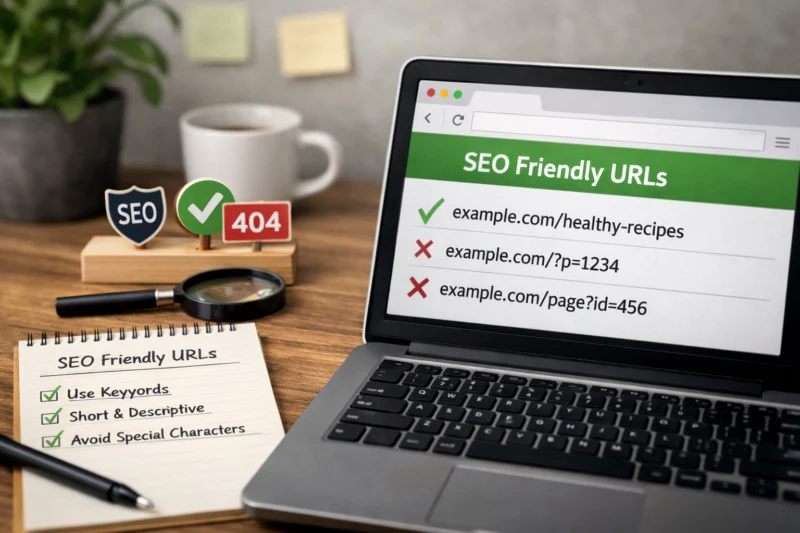
The next step is removal. Cut dates, filler words, duplicate directory names, and anything that does not improve meaning. In most cases, a clean slug is the result of subtracting more than adding. If two versions compete, choose the one that is easier to scan and less likely to become outdated. For example, a blog post about creating SEO-friendly URLs for a WordPress site may not need the full title in the slug if a simpler phrase still signals the topic clearly. This is where internal linking tactics matter too, because a concise slug should still fit neatly into the site’s broader topic cluster.
Clarity should still win over brevity. A very short slug can become vague, especially on sites with many related pages. “/guide/” is shorter than “/seo-friendly-url-guide/,” but it is much less useful for a user who sees the link in search results or a shared document. The decision criteria should be simple: choose the shortest version that remains unmistakable, matches the page intent, and avoids overlap with other pages. If the shorter option could describe three different pages, the slightly longer option is usually better.
Edge cases happen on large sites and content libraries. A financial publisher may need a longer URL to distinguish between tax, retirement, and investing advice. A product site may need category context to keep similar items apart. The best process is not “make every URL as short as possible.” It is “make every URL as specific as necessary.”
For detailed implementation strategies, teams frequently combine this process with structured data fundamentals, as URL clarity is most effective when page markup, titles, and navigation consistently support the same topic. This alignment further enhances SEO and informs design choices across templates, menus, and landing pages.
URL Structure Options: Slugs, Folders, and Site Hierarchies
There are three common URL structure patterns: flat URLs, nested category paths, and topic-based directories. Each can work well if it matches how the site is organized and how often the content inventory changes.
A flat structure keeps paths short and simple, such as /seo-friendly-urls/. This is often ideal for editorial content, evergreen guides, and brand pages where hierarchy is not needed for clarity. Nested structures add one or more folders, such as /blog/seo-friendly-urls/ or /services/technical-seo/. These can help users understand where they are on the site and can support scalable organization when the site has many content types. Topic-based directories are best when you have distinct content hubs, such as /learn/, /resources/, or /products/, and you want the path to signal the content family as well as the topic.
The right choice depends on maintenance and future growth. A hierarchy can improve organization, but every extra level adds complexity. Over time, deeper paths can make redirects, content pruning, and migrations harder to manage. That is why some teams choose a leaner format for information pages and reserve nested paths for cases where category context genuinely helps. If you are planning long-term site growth, this is also where website foundation strategy and website navigation tips become directly relevant.
Below is a practical comparison of common structure choices.
| Structure type | Example | Best for | Main tradeoff |
|---|---|---|---|
| Flat URL | /seo-friendly-urls/ | Evergreen guides, landing pages | Less category context |
| Nested category path | /blog/seo-friendly-urls/ | Editorial sites, blogs | More maintenance if reorganized |
| Topic-based directory | /resources/seo-friendly-urls/ | Content hubs, knowledge bases | Can become too deep if overused |
The deeper nuance most guides miss is that changing structure later is rarely free. Even if a new hierarchy looks cleaner on paper, it can create redirect mapping work, internal link updates, and long-tail URL version management. The best structure is usually the one you can keep consistent for years, not the one that looks most elegant in isolation.
Best Practices for SEO-Friendly URL Slugs
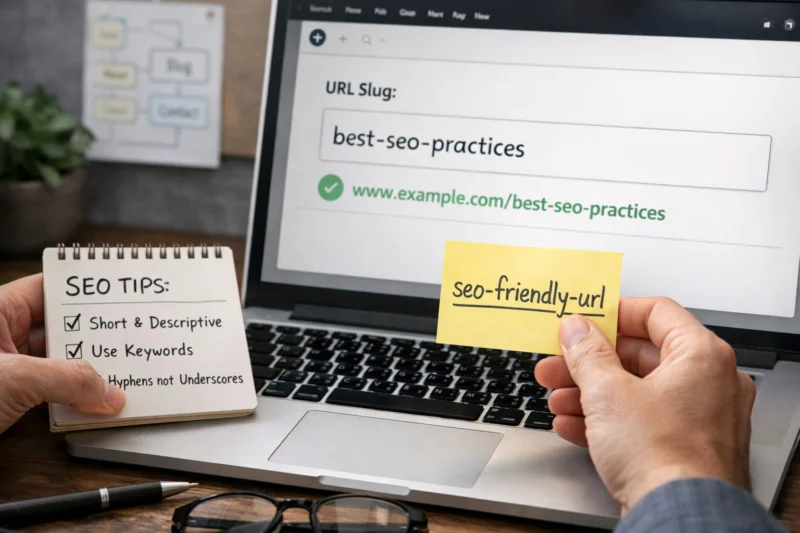
Use lowercase letters, hyphens, and simple readable words. That combination is widely understood, easy to type, and less likely to create duplicate versions from case or punctuation differences.
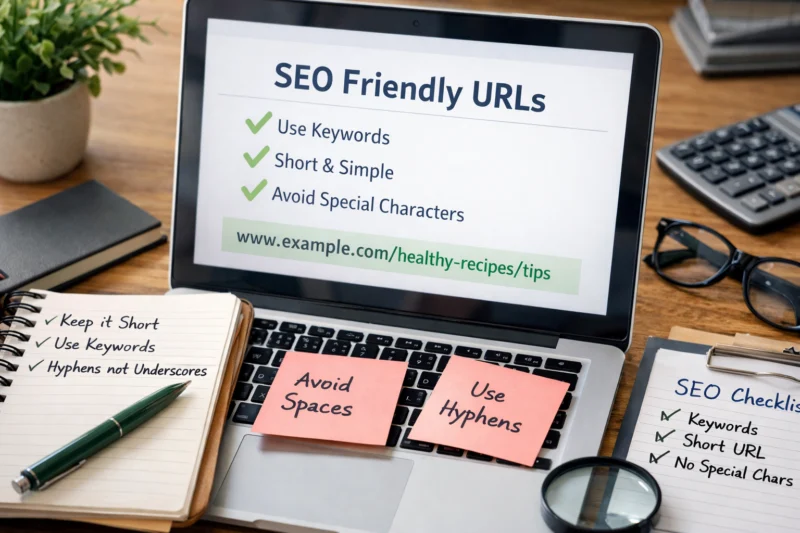
Keep the slug focused on the page’s main subject rather than the whole headline. A slug should identify the topic, not repeat every modifier in the title. For example, “/seo-friendly-urls/” is cleaner than “/how-to-create-the-best-seo-friendly-urls-for-2026/” because it avoids unnecessary noise while still matching the search intent. Numbers, special characters, and spaces usually make URLs less reliable and less attractive when shared. Hyphens are preferred because they separate words clearly for users and search systems. That is one reason many teams standardize URL best practices early, then apply them consistently across templates and content types.
Plural versus singular wording should be consistent across the site. If your site uses “service” for one page and “services” for a category, there should be a deliberate naming system rather than random variation. Consistency matters because it reduces duplicate-like patterns and makes internal links easier to maintain. This is especially important on larger sites where product categories, topic hubs, and blog archives can all be indexed at the same time.
If your audience uses multiple languages, transliterated slugs can be appropriate, but they should still remain readable and stable. An international SEO setup may require careful handling of locale folders, translated slugs, and canonical signals so that a clean URL in one market does not create confusion in another. The important part is not forcing every page into the same formatting rule; it is keeping the site predictable for the users you serve.
Websites created with popular CMS platforms like WordPress gain significant advantages by establishing proper conventions early on. It's advisable to set up URL slug rules in a WordPress SEO strategy before your content library expands, as rectifying mistakes later can be far more costly than getting the format right from the beginning. For an in-depth understanding, check out this essential WordPress SEO guide.
Common Mistakes When Creating SEO-Friendly URLs
Keyword stuffing in the slug is one of the most common mistakes. Packing too many variations into a URL usually makes it look spammy rather than useful, and it rarely adds meaningful SEO value.
Another frequent problem is long, auto-generated URLs that expose dates, IDs, or irrelevant parameters in the visible path. Those can be technically functional, but they often look messy and can weaken user trust. A user is much more likely to click a readable path than one that resembles a tracking string or database output. Changing URLs too often is another major error. Every change creates migration work, and without a redirect plan it can break links, fragment signals, and create avoidable indexing issues. Over-nesting pages into too many folders causes similar problems by making the site harder to scan, harder to maintain, and harder to reorganize later.
What most guides also miss is that a “perfect” URL can still underperform if the page title, topic, and on-page content do not match. If the URL says one thing, the title says another, and the content targets a third intent, the page sends mixed signals to users and search engines alike. That mismatch can reduce click confidence and make it harder for crawlers to classify the page accurately.
There is also a hidden cost to inconsistency. If one section of the site uses clean topic slugs and another uses mixed case, trailing slashes, or parameter-heavy URLs, the whole site can feel less coherent. That weakens the benefits of strong SEO friendly URLs because the experience stops feeling intentional. Strong URL systems support broader SEO and design goals, not just rankings. They also make product/category relationships easier to understand when paired with smart internal linking tactics and sensible page naming.
Choosing the Right URL Format: Short vs. Descriptive, Static vs. Dynamic
The best URL format depends on the content type, the site architecture, and how the page will be used. There is no single format that fits every site, and chasing keyword insertion alone is not a strategy.
Short brand-style URLs are useful when the page is heavily branded, the audience already knows the offer, or the site has a small number of high-value pages. Descriptive topic URLs work especially well for informational content because they help users understand the subject quickly. Category-based URLs can be a strong fit for large libraries where the folder provides meaningful context, such as a resource hub or product catalog. Parameterized or dynamic URLs are common in filters, faceted navigation, and large databases. They are not inherently bad, but they become messy when too many parameters are exposed without control.
For informational articles, descriptive static URLs are usually the best choice. They are readable, easy to cite, and less likely to confuse users who encounter them outside the site. Dynamic URLs are more common in ecommerce, search results pages, and systems where content changes based on filters or session data. If dynamic parameters are unavoidable, the practical goal is to keep the visible URL as clean as possible, reduce duplicate versions, and use canonicalization correctly. That is where the URL structure impact becomes especially important for large sites with filtering, sorting, or faceted search.
The tradeoff is flexibility versus clarity. Short URLs are easier to maintain but can become vague. Longer descriptive URLs are clearer but can become cumbersome if they include too much detail. The right answer is usually the smallest format that still communicates the page purpose and fits the site’s content model. That is a stronger decision framework than asking whether a keyword should be added somewhere in the path.
Advanced Considerations Most Guides Miss
One of the biggest advanced issues is canonicalization. If multiple URL versions can show the same content, search engines need a clear signal about which one is the preferred version. This often comes up with trailing slashes, lowercase versus uppercase variants, filter parameters, and duplicate category paths.
Trailing slashes and lowercase consistency are technical details, but they matter because inconsistencies can produce duplicate-looking URLs or create unnecessary variation in reports and logs. A site that mixes /page and /page/ or uses inconsistent capitalization can make indexing, analytics, and internal linking harder to manage. Duplicate paths are another hidden issue. For example, the same article might be reachable through a topic hub, a blog archive, and a tag page. Even if that is not a crawl disaster, it can dilute clarity unless the site is organized carefully.
URL choices also matter during migrations, content pruning, and site reorganizations. A site that plans to expand categories or remove low-value content should choose a structure that can survive change without constant rebuilding. That is why “SEO friendly” should mean durable and maintainable, not merely optimized for a short-term keyword target. URLs alone rarely create dramatic ranking gains, but they do affect overall site quality, usability, and consistency. When paired with strong internal linking tactics, a clean navigation system, and the right structured data basics, they become part of a stronger whole.
Another mistake is over-optimizing for micro details while ignoring the larger system. A neat slug will not rescue a page if the site architecture is confusing, the content is thin, or the page fails to meet search intent. That is why many teams treat SEO friendly URLs as part of a website foundation strategy rather than a last-minute cleanup task. They also review international SEO setup requirements early when content needs region-specific folders or language variants, so the site does not accumulate avoidable rewrite work later.
How to Edit Existing URLs Without Hurting SEO
You should change a URL only when the benefit is clear enough to justify the migration risk. If the current URL is already stable, indexed, and broadly understandable, leaving it alone is often the best option even if it is not perfect.
When a URL does need to change, the 301 redirect is the core safeguard. It tells users and search engines that the page has permanently moved, and it should point directly to the best new destination. Redirect mapping matters because every old URL should resolve to the most relevant replacement, not just the homepage or a generic category page. Internal links should be updated at the same time, and XML sitemaps should reflect the new URLs so search engines can discover the updated structure efficiently.
There are real risks if the process is rushed. Redirect chains can slow crawling and create more points of failure. Broken backlinks can continue sending users to old addresses if the redirect is missed or later removed. On high-value pages, even a well-managed migration can cause temporary volatility while search systems recrawl and reassess the content. That is why the decision rule should be simple: only change an existing URL if the long-term benefit of better clarity, consistency, or architecture clearly outweighs the migration cost.
This is also where teams often connect URL changes to broader site work. A redesign may alter SEO and design priorities, while a content cleanup project may require updates to internal links, category pages, and support articles. If a page is especially important, preserve references everywhere you can and monitor traffic patterns after launch. The safest changes are planned changes.
Frequently Asked Questions About Creating SEO-Friendly URLs
How long should an SEO friendly URL be?
There is no exact character limit, but the best URLs are usually as short as possible while still remaining clear. If removing a word makes the meaning less obvious, keep the word; if a word adds no value, cut it.
For most informational pages, a concise topic slug is enough. Longer URLs are acceptable when they prevent ambiguity or support a real content hierarchy.
Should I include keywords in the URL?
Yes, but only when the keyword improves clarity. A page about URL hygiene can benefit from a slug that includes “seo-friendly-urls,” but stuffing multiple variations into the path is unnecessary.
The goal is to describe the page, not repeat the keyword every possible way. A natural, readable slug is usually stronger than a heavily optimized one.
Should SEO URLs use hyphens or underscores?
Hyphens are usually preferred because they are easier to read in public page URLs. They separate words clearly and are the convention most teams use for web content.
Underscores are not inherently broken, but they are less readable at a glance and can create inconsistency across a site. Standardizing on hyphens makes maintenance simpler.
What happens if I change an existing page URL?
The old URL should be redirected with a 301 so users and search engines are sent to the new version. Without that redirect, you risk broken links, lost referrals, and confusion for returning visitors.
Even with redirects, expect some temporary volatility while systems recrawl and update. Updating internal references and sitemaps helps the transition settle faster.
Are numbers or dates bad in URLs?
Numbers and dates are not always bad, but they can make a URL feel less reusable or more dated over time. A 2026 guide can become awkward if the date is hard-coded into the path and the article is meant to stay evergreen.
Use dates only when the page truly depends on timing, such as a yearly report or event page. For evergreen content, cleaner topic-based slugs are usually better.
How do I make URLs SEO friendly for blog posts and articles?
Start with the topic, then trim the slug to the smallest readable phrase that still matches the article intent. Blog URLs work best when they avoid full-title duplication and unnecessary filler words.
Keep the format consistent across your editorial archive so readers can predict how posts are named. That consistency also supports better content grouping, easier sharing, and cleaner internal references across your site.
Conclusion
SEO friendly URLs are clear, short, consistent, and descriptive. The best ones help users understand a page quickly, support search engine crawling, and fit naturally into the site’s larger structure without creating maintenance problems.
The real takeaway is that URL quality is mostly about durable structure, not clever keyword tricks. If you are creating new pages, choose a clean format and keep it consistent. If you are revisiting old pages, only make changes when the improvement is worth the redirect work and migration risk. That is the practical way to build URLs that serve both users and search engines over the long term.
If your site needs a cleanup, start by auditing current URL patterns, identifying duplicates, and standardizing the format for future content. A strong URL system is one of the simplest ways to strengthen your site-wide foundation and reduce avoidable SEO friction.
Updated April 2026