

Parallax scrolling is a web design technique that creates an immersive experience by allowing background images to move at a slower pace than the foreground content. This creates an illusion of depth and movement, enhancing user engagement. As web design continues to evolve, understanding how to implement parallax scrolling design effectively is essential for developers and designers aiming to create visually stunning websites. This article will guide you through the nuances of parallax scrolling, from basic implementation to avoiding common pitfalls, while ensuring your design contributes positively to user experience and website performance.
Last updated: April 2026
Contents
- 1 Understanding Parallax Scrolling Design
- 2 Steps to Implement Parallax Scrolling Design
- 3 Common Mistakes in Implementing Parallax Scrolling
- 4 Alternative Approaches to Parallax Scrolling
- 5 Advanced Considerations for Parallax Scrolling Design (Beyond Basics)
- 6 Frequently Asked Questions About Implementing Parallax Scrolling Design Effectively
- 6.1 What are the benefits of using parallax scrolling in web design?
- 6.2 How does parallax scrolling affect website loading speed?
- 6.3 Can parallax scrolling be used on mobile websites?
- 6.4 What are the SEO implications of using parallax scrolling?
- 6.5 How do I choose between parallax scrolling and other design techniques?
Understanding Parallax Scrolling Design
Parallax scrolling is a visual effect where background elements move more slowly than foreground elements, creating a sense of depth and motion. This technique has a significant impact on web design by making websites more engaging and interactive, capturing the user’s attention effectively.
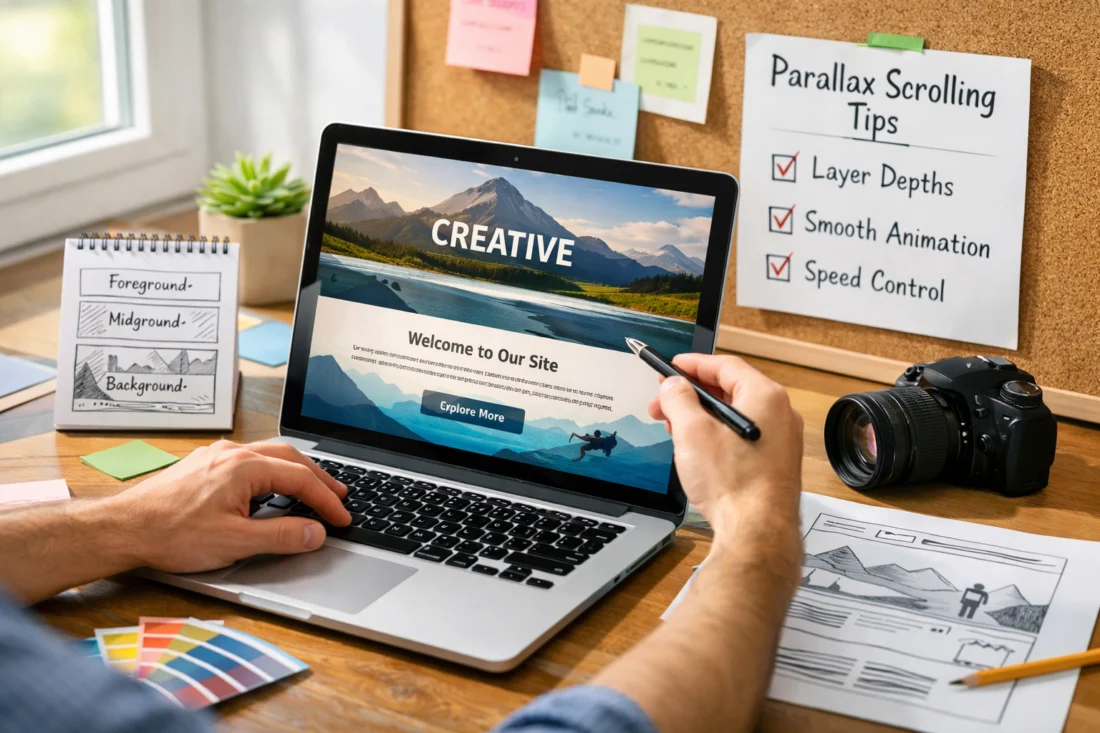
Psychologically, parallax scrolling enhances user engagement by providing a more dynamic browsing experience. It can guide users through a narrative or draw attention to specific content areas, making the interaction more memorable and impactful. Historically, parallax scrolling has evolved from its origins in video games to become a staple in modern web design, offering a balance between creative aesthetics and user-driven functionality.
Achieving an effective parallax design involves striking a delicate balance between visual appeal and usability. While aesthetics play a significant role, developers must ensure that the scrolling effects do not compromise the overall functionality or performance of the website. It’s essential to focus on improving user interactions, allowing the parallax elements to enhance the visitor's experience rather than detract from it.
Steps to Implement Parallax Scrolling Design
Implementing parallax scrolling begins with understanding the technical requirements. Basic tools include HTML, CSS, and JavaScript, which are essential for creating the scrolling effect. CSS is used to style the elements, while JavaScript adds the dynamic movement that characterizes parallax scrolling.
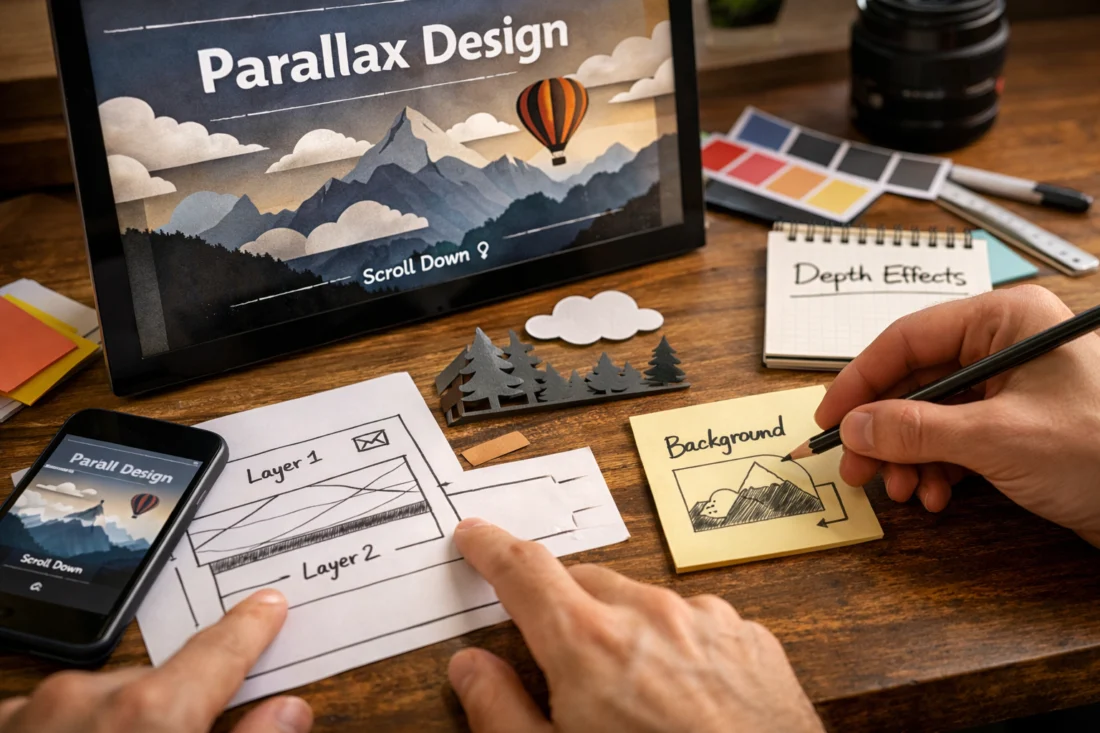
To create a parallax effect, first, set up a basic HTML structure with layers for background and foreground content. Use CSS to position elements and define the scrolling speed. JavaScript can then adjust the movement of these elements on scroll, creating the desired depth effect. Testing across different devices and browsers is crucial to ensure the effect works seamlessly, maintaining a high-performing website guide.
One of the challenges in implementing parallax scrolling is maintaining website performance and load times. Heavy graphics and animations can slow down the site, so it’s vital to optimize images and use fast responsive frameworks to ensure swift loading times and a smooth user experience.
Common Mistakes in Implementing Parallax Scrolling
Common mistakes in parallax scrolling implementation include overusing effects and poor execution, which can overwhelm users and detract from the site’s primary content. Overly complex designs can also lead to longer load times, frustrating users and potentially driving them away.
Mobile responsiveness is another critical area where parallax scrolling can falter. Many parallax effects are designed with desktop users in mind, leading to issues on smaller screens. It’s important to design with mobile in mind, using techniques that are adaptable to different devices to avoid design mistakes.

Accessibility is often overlooked in parallax design. Effects that are too fast or distracting can cause issues for users with visual impairments or motion sensitivity. It’s essential to ensure that parallax elements do not overshadow core content or messages, maintaining a user-centric design principle.
Alternative Approaches to Parallax Scrolling
While parallax scrolling offers dynamic visual effects, static design can be a more suitable choice in some cases. Static designs load faster and are more accessible, providing a straightforward user experience without the potential drawbacks of parallax.
Video backgrounds can serve as an alternative to parallax effects, offering a similar sense of motion without the technical complexities. However, videos can be bandwidth-heavy, so it’s crucial to optimize them for fast loading and minimal buffering.
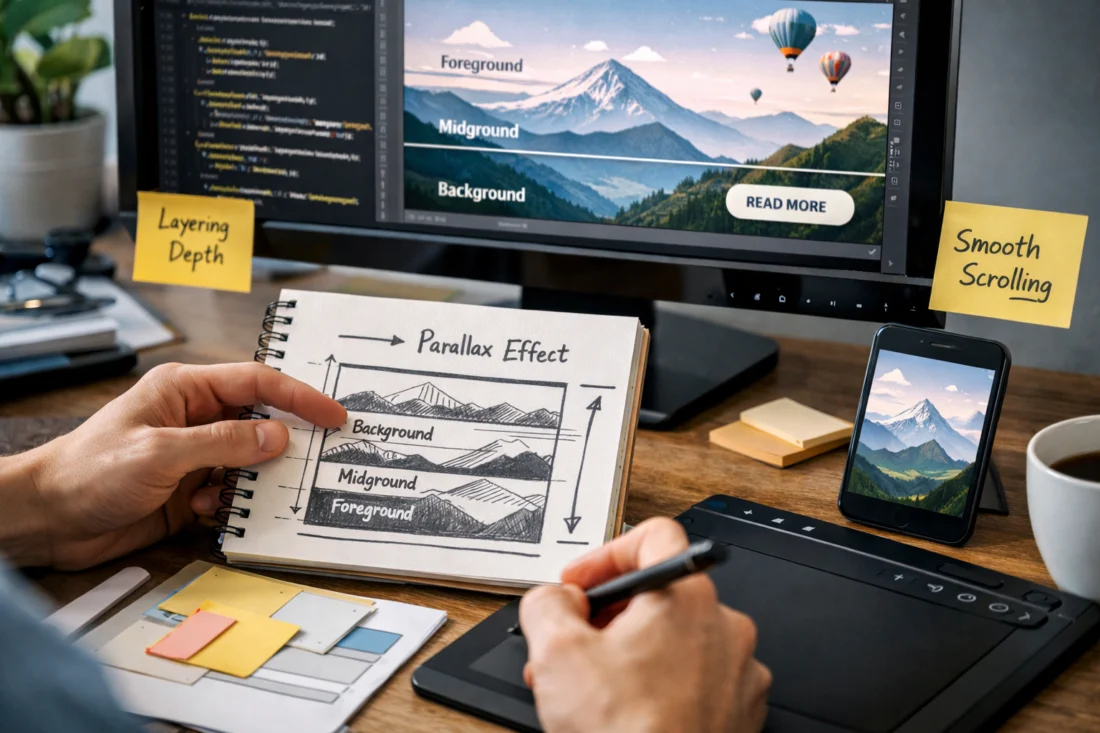
Minimalistic design provides another alternative, focusing on simplicity and functionality. In some scenarios, parallax scrolling may not be the best choice, particularly where simplicity and speed are prioritized over visual complexity. A comparison of different design techniques can help determine the best approach for specific projects.
Advanced Considerations for Parallax Scrolling Design (Beyond Basics)
For those looking to push the boundaries of parallax design, 3D effects can offer a more immersive experience. By layering multiple parallax effects, designers can create a sense of three-dimensional space, though this requires careful performance optimization to avoid slow load times.
Integrating parallax scrolling with other interactive elements can enhance user engagement. Combining parallax with animations or interactive content can create breathtaking digital masterpieces that captivate users and convey complex messages effectively.

Parallax scrolling also has potential applications in virtual and augmented reality, providing a dynamic layer of interaction that can enhance realism. However, maintaining SEO effectiveness with heavy parallax use remains a challenge, as search engines may struggle to index content hidden behind effects.
Frequently Asked Questions About Implementing Parallax Scrolling Design Effectively
What are the benefits of using parallax scrolling in web design?
Parallax scrolling enhances user engagement and storytelling by creating a dynamic, interactive experience. It draws users in and guides them through content in an engaging way.
How does parallax scrolling affect website loading speed?
Parallax scrolling can slow down loading speeds if not optimized properly. Using lightweight images and efficient code helps maintain fast load times.
Can parallax scrolling be used on mobile websites?
Yes, but it requires careful design to ensure responsiveness. Simplified effects and testing across devices can help maintain functionality on mobile platforms.
What are the SEO implications of using parallax scrolling?
Parallax effects can complicate SEO if content is not easily accessible to search engines. Ensuring text is indexable and using semantic HTML can help mitigate these issues.
How do I choose between parallax scrolling and other design techniques?
Consider the goals of your website. If storytelling and visual engagement are priorities, parallax may be suitable. For speed and simplicity, explore static or minimalistic designs.
In conclusion, implementing parallax scrolling design effectively requires a balance between aesthetics and performance. By understanding the technical requirements, avoiding common pitfalls, and considering alternative approaches, designers can create engaging and functional websites. Experimentation is encouraged, but always prioritize usability and accessibility to create designs that are both beautiful and user-friendly. For personalized advice, consider consulting with a web design professional to tailor your approach to your specific needs.