
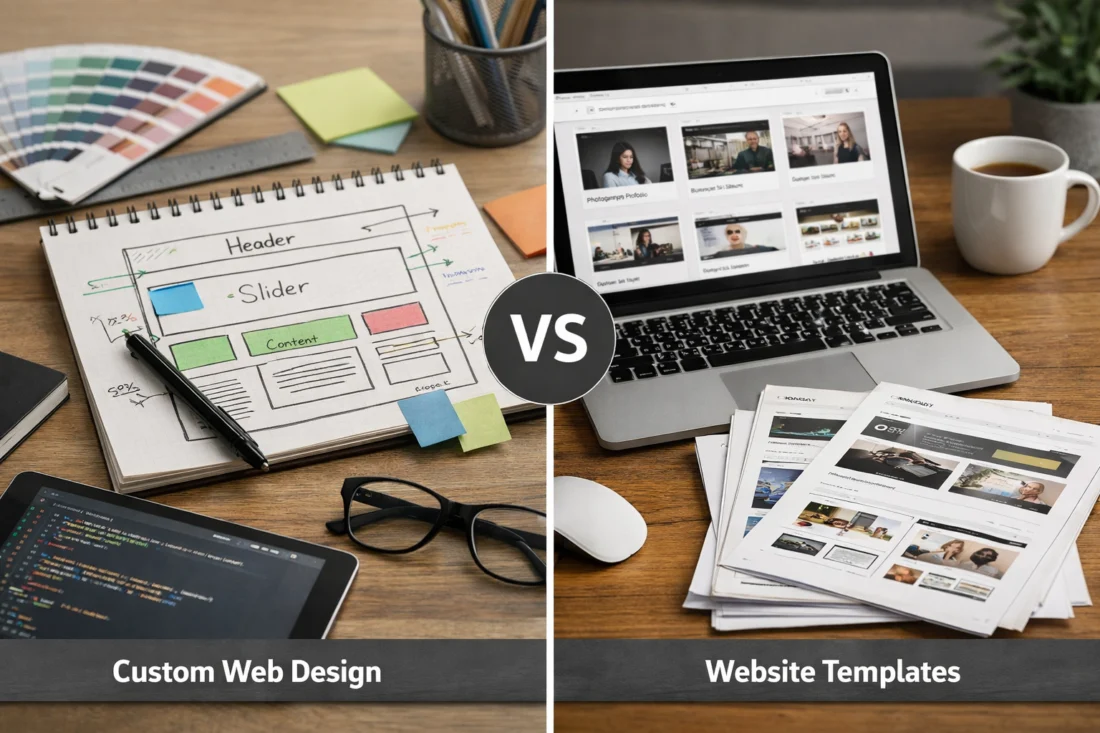
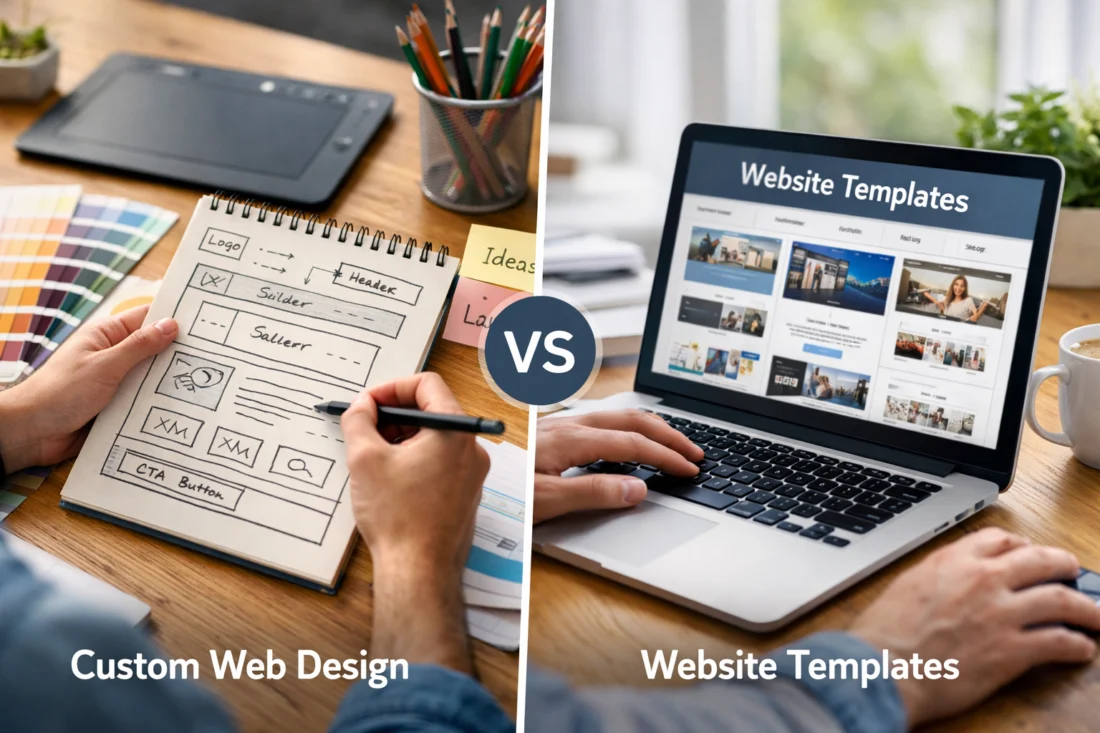
If your priority is precise branding, bespoke workflows and long-term scalability, go custom; if you need a fast, low-cost launch and easy content editing, choose a template. The tradeoff between a custom-built website and a template-based site is fundamentally a tradeoff between control and speed: a custom approach buys uniqueness and integration flexibility, while templates buy predictability and cost-efficiency. Custom Web Design vs Templates: which is better for your project depends on cost sensitivity, time-to-market, technical requirements, and future growth plans.
This guide matters because the choice affects development budget, brand perception, SEO performance, security surface area, and how fast you can iterate—practical outcomes that change revenue and operating cost. It’s written for decision-makers: owners of small businesses and e-commerce stores, in-house marketers, product managers, and agencies evaluating tradeoffs. Expect a practical decision framework, measurable criteria, realistic timelines, and vendor evaluation questions—this is not theory only but a set of next steps you can use to choose or justify an approach.
Contents
- 1 Core technical and user-experience differences between custom builds and templates
- 2 Advantages of choosing a custom-developed website
- 3 Advantages of using templates, themes, and site builders
- 4 Cost, timeline, and return-on-investment considerations
- 5 Practical decision framework: how to choose between custom and templates
- 6 What to look for when evaluating templates or custom vendors (selection criteria)
- 7 Alternatives and hybrid options: beyond pure custom or off-the-shelf templates
- 8 Common mistakes, pitfalls and misconceptions to avoid
- 9 Advanced considerations and edge cases (what most guides miss)
- 9.1 Is custom web design worth the cost for small businesses?
- 9.2 Can I start with a template and later migrate to a custom site?
- 9.3 How does choosing a template affect SEO and site speed long-term?
- 9.4 What costs should I include beyond the initial build?
- 9.5 How to evaluate a template or theme for accessibility?
- 9.6 Which option is faster to launch for an online store with 500 SKUs?
- 9.7 How do headless or hybrid architectures change the custom vs template decision?
Core technical and user-experience differences between custom builds and templates
Direct answer: Custom builds give you full control of the codebase, CMS integration, and UX flow, while templates impose a structured layer (theme/plugins) that accelerates delivery but limits deep custom behavior. The technical stack, how the CMS is integrated, and where presentation logic sits are the main factors that determine flexibility and maintenance cost.
Why this matters: the structural pattern of a site dictates how easy it is to add features, debug issues, and optimize for performance. A custom-built site often places business logic and templates in clearly separated layers with a minimal, tailored runtime; template-based sites typically add a theme layer on top of an off-the-shelf CMS, plus third-party plugins that increase coupling and update surface. These differences affect how fast you can iterate, how predictable maintenance costs are, and whether new features require minor changes or major refactors.
How it works: a custom project usually starts with a repository, build pipeline, and component library; front-end and back-end are designed for the product’s needs. Template sites reuse prebuilt themes and marketplaces, and rely on the CMS and plugins to provide functionality. In practice, templates speed up initial deployment because themes include UI, widgets, and pre-wired admin screens, but they also often contain unused CSS/JS and opinionated markup that complicates optimization.
Practical application and tradeoffs: for conversion-focused funnels, custom code lets you implement bespoke UX flows like progressive checkout steps, A/B experiment hooks, and server-side rendering tuned for structured data. Templates are practical for brochure sites and MVPs where standard content types and layouts suffice. Maintenance tradeoffs include update cycles—templates require frequent plugin/theme patches and testing while custom solutions require developer time but can reduce dependency risk.
Deeper insight: an edge case is a professionally coded premium theme that outperforms a poorly executed custom site—if a template is lightweight, audited, and well-maintained it can beat a custom build riddled with technical debt. A common mistake is underestimating the long-term update surface of template ecosystems; what most guides miss is how versioned dependencies in templates create a “hidden maintenance tax” that must be modeled alongside hosting and content costs. If SEO or page speed is a priority, analyze the theme’s runtime (render-blocking resources, critical CSS) and review the site using Lighthouse or similar tools from Google Developers.
Advantages of choosing a custom-developed website
Direct answer: A custom-developed website provides unmatched control, unique branding, and the ability to integrate complex systems without compromise. If your product requires bespoke user journeys, proprietary features, or strict performance/security targets, custom development is usually the better long-term choice.
Why it matters: custom development enables differentiation at the product and brand level. You can implement a unique visual language, custom interaction patterns, and architecture that supports advanced personalization or experimentation. For example, a SaaS product that needs consent-aware analytics, adaptive layouts, and bespoke subscription logic will quickly hit the limits of templated systems.
How it works: teams build components, define API contracts, and create automated tests and CI/CD pipelines that enforce quality. Ownership of the codebase makes it possible to optimize the critical rendering path, streamline asset delivery, and add server-side hooks for structured data—helpful for creating SEO-friendly technical solutions like canonical control and custom schema output. This is where a “custom WordPress development guide” becomes relevant for teams building on WordPress while preserving custom architecture patterns.
Practical application and tradeoffs: the higher upfront cost of custom work can be amortized over improved conversion rates, fewer plugin dependencies, and reduced performance-related revenue losses. The tradeoffs include vendor lock-in if documentation and handover are poor, the need for retained developer capacity, and higher initial time-to-market. Hidden ongoing costs such as support contracts and developer availability should be included when modeling ROI. A deeper-than-obvious nuance: custom sites often require stronger project governance—if you skip documentation and code reviews you create brittle ownership that can be worse than a simple template with predictable updates.
Advantages of using templates, themes, and site builders
Direct answer: Templates and site builders deliver speed to market and lower upfront cost, offering predictable UI patterns and an ecosystem of plugins that support common needs. If your business is bootstrapped, needs a brochure or portfolio, or is testing an idea, templates usually provide the fastest path to a usable site.
Why it matters: the rapid iteration cycle templates enable is crucial for time-limited campaigns, lean startups, and teams without full-time developers. Most templates include editor-friendly controls and prebuilt blocks that let non-technical editors update content, which reduces backlog and shortens marketing cycles. For small businesses looking for “affordable small business design” solutions, templates are often the practical starting point.
How it works: theme marketplaces package layout, style, and often demo content into installable packages. Site builders (Wix, Squarespace, Shopify, WordPress page builders) expose visual editors and hosting integration so teams can publish without managing infrastructure. Templates benefit from community-tested components, plugin compatibility, and marketplace support, which reduces discovery risk for common features like contact forms or payment gateways.
Practical application and tradeoffs: templates are well-suited to local shops, single-location services, portfolios, and MVP e-commerce catalogs. The downsides include template “drag” on performance from unused assets, heavier DOM and CSS that inhibit page speed, and potential SEO issues from non-semantic markup. However, careful selection of a lean theme, pruning unused plugins, and following optimization patterns from Google Developers can mitigate many of these downsides. A deeper nuance is that over-customizing a template often creates a “Franken-theme” that loses the original benefits; if you plan to extend a template substantially, consider whether a CMS-based custom theme is a better path.
Cost, timeline, and return-on-investment considerations
Direct answer: Template sites typically cost a few hundred to a few thousand dollars and launch in days to weeks; mid-range custom sites commonly range from $10k–$75k with 2–6 month timelines; enterprise custom platforms often start higher and take 6+ months. ROI depends on traffic volume, conversion uplift, average order value, and ongoing maintenance costs.
Why it matters: decision-makers must compare upfront cost to expected incremental revenue and operating expense. A small site that converts at 1% will need dramatically different investment justification than a revenue-critical storefront converting 3–5% with high AOV. Modeling ROI requires conservative conversion lift estimates and realistic maintenance projections to determine break-even.
How it works: build a simple amortization model—estimate additional monthly revenue from conversion improvements, subtract increased hosting and maintenance, and calculate months to recoup upfront investment. Include license fees for premium themes/plugins, higher hosting for custom stacks, and developer retainers. Hidden costs to include are content production, SEO auditing, replatforming fees, and data migration complexities.
Practical drivers of variability include the number of unique page templates, integrations (payment, ERP, fulfillment), custom features (membership, personalization), and regulatory compliance work. Procurement models matter: fixed-bid reduces scope risk but can lead to change-order standoffs; retainer models are flexible but require governance. For mission-critical commerce, staged builds with MVP, stabilization, then feature expansion allocate risk sensibly. A deeper insight: small conversion improvements from custom UX work can justify large investments when traffic and margins are high—run a sensitivity analysis to show at what traffic level a 0.5–1% conversion lift pays for the custom spend.
Practical decision framework: how to choose between custom and templates
Direct answer: Use a weighted checklist that scores business goals, technical requirements, timeline, budget, team capability, and growth projections; choose custom when score skews to integration, uniqueness, and scale, and template when speed and cost dominate. A numerical approach removes bias and clarifies tradeoffs.
How it works: list critical criteria (brand uniqueness, required integrations, traffic/scale expectations, launch deadline, maintenance capacity) and assign weights from 1–5. Score each option—template and custom—against those criteria. The weighted sum reveals which approach aligns with business priorities. This structured scoring matrix helps align stakeholders and justifies expenditure to procurement or leadership.
Practical checklist for immediate use:
- Define top three business outcomes (revenue, leads, brand reach) and a launch date;
- Catalog required integrations (ERP, CRM, payment providers) and content types;
- Estimate first-year traffic and baseline conversion rates.
Application and tradeoffs: if 60–70% of your requirements are met by a templated solution and your migration plan is clear, start with a template and schedule incremental custom work. If less than half of requirements are satisfied, invest in custom from day one. Involving stakeholders early and requesting specific deliverables (staging site, test data flows, LCAs for hosting) prevents scope drift. A deeper nuance: if future uncertainty is high, choose a template with clear migration paths and exportable content to reduce replatforming costs; insist on content portability during procurement (export formats, structured content APIs).
What to look for when evaluating templates or custom vendors (selection criteria)
Direct answer: For templates, evaluate update cadence, modular CSS/JS, demo fidelity, and plugin compatibility; for vendors, evaluate relevant portfolio, code access, testing practices, documentation, and SLAs. Non-technical checks include mobile UX, baseline page-speed, SEO fundamentals, accessibility, and analytics readiness.
Why it matters: the right signals reduce risk. A template with frequent updates and a changelog indicates active maintenance; a vendor who provides a staging environment, test results, and code repository access demonstrates professionalism and handover readiness. Ask for Lighthouse or WebPageTest baselines and request links to live sites the vendor has built—real-world performance beats marketing claims.
How it works: ask fellow stakeholders for three reference sites and a staging link. For templates request the demo ZIP, verify licensing clarity, and check whether the theme supports child themes or component overrides. For vendors request sample repos, a description of testing (unit, integration, end-to-end), CI/CD setup, and post-launch support terms. Non-technical evaluators can ask for a Lighthouse report screenshot, screenshots of mobile UX, and a content export sample.
Deeper insight and red flags: ask vendors to provide design tokens or component libraries and insist on data portability—exportable CSV/JSON, content APIs, or database migration scripts. Red flags include evasiveness about backups, refusal to provide a repository snapshot, or no documented support processes. When evaluating templates, beware of large, monolithic packages that bundle dozens of scripts; request the ability to prune code and confirm accessibility claims via quick contrast and keyboard navigation checks, and review “building trust with design” cues such as consistent CTAs and professional imagery.
Alternatives and hybrid options: beyond pure custom or off-the-shelf templates
Direct answer: Hybrid approaches (CMS-based custom themes, SaaS/no-code builders, headless architectures, progressive enhancement) let you mix control and speed—choose the hybrid that maps to your integration needs and developer capacity. Each hybrid balances cost, launch speed, and long-term maintenance differently.
How it works: CMS-based custom themes (for WordPress, Drupal, Shopify) start with a platform but allow teams to build custom templates and modules—useful when you want editor-friendly CMS features without sacrificing bespoke components; see “build a custom theme” when you need a tailored front-end on a familiar CMS. SaaS builders eliminate ops and speed up publishing but limit low-level control. Headless separates the content platform from the presentation layer, letting you pair a templated CMS admin with a custom front-end or vice versa.
Practical application and tradeoffs: hybrid reduces immediate cost and preserves upgrade paths. For example, start with a solid theme on WordPress and progressively replace heavy components with custom React-based widgets served via a headless API. Progressive enhancement strategies allow you to optimize critical pages first and keep secondary pages on templates. The tradeoff is complexity—hybrid stacks can introduce duplicated logic and coordination overhead across teams. Clear API contracts and documented migration plans mitigate this risk.
Deeper nuance: hybrid does not always simplify operations—if you split teams between CMS and front-end specialists without shared contracts, you can create integration debt. Consider using existing component libraries and “best frameworks for performance” to align both sides. For e-commerce, “creating ecommerce with WordPress” through WooCommerce plus a custom theme is a common hybrid—works well when you need the editorial features of WordPress with tailored checkout flows.
Common mistakes, pitfalls and misconceptions to avoid
Direct answer: The biggest mistakes are choosing solely on price, over-customizing templates, ignoring maintenance responsibilities, and assuming premium equals performant. Those missteps quickly create technical debt or replatforming costs that dwarf initial savings.
How it works: cost-only decisions often omit recurring expenses—hosting for dynamic custom stacks, premium plugin licenses, security patching, and content upkeep. Over-customization of themes (the “Franken-theme”) generates fragile sites that break on updates. Many teams assume a high-priced theme or vendor guarantees SEO and performance; instead, verify metrics with independent audits and test visits.
Practical examples and tradeoffs: a local business chose a cheap template and later spent months fixing SEO and URL structure because the theme produced non-semantic markup and unpredictable canonicalization—this is avoidable with a quick pre-purchase audit. Another common pitfall is ignoring redirects and URL patterns during migration: losing URL equity causes measurable traffic drops. Always include create a redirect map and maintain “creating SEO friendly URLs” discipline during migrations.
Deeper-than-obvious nuance: one often-missed item is content strategy—templates can make content editing easy, but without a governance plan (who publishes, naming conventions, link authority), the site degrades. Migration pitfalls include mismatched content types, missing structured data, and inconsistent slug rules. To prevent these issues follow website maintenance best practices and schedule a pre-launch QA pass that includes redirects, structured data validation, and mobile checks.
Advanced considerations and edge cases (what most guides miss)
Direct answer: Advanced requirements—internationalization, multi-site setups, strict compliance, AI personalization, and PWA needs—often push projects toward custom or hybrid architectures because they demand control over routing, data residency, and runtime behavior. Evaluate these needs early; they materially change architecture and cost.
Why it matters: multi-language sites and multi-country pricing require CMS capabilities for translations, currency handling, and canonical language tags. Regulatory or data residency requirements demand infrastructure choices and security controls that many template platforms cannot provide out of the box. Similarly, personalization and server-side experimentation often need hooks at the presentation layer that templated systems have limited access to.
How it works: for compliance, integrate a privacy-by-design approach and request an audit trail for data flows. For personalization, plan server-side feature flags, A/B frameworks, and data pipelines—this influences whether you choose a server-rendered custom front-end or a headless setup that supports server-side rendering and edge caching. Performance budgeting for PWA features (offline support, service workers) requires build-time control and asset optimization uncommon in many builders.
Deeper insight and edge cases: small businesses sometimes overestimate their need for headless architectures; headless can add cost and require more development resources. Conversely, certain small businesses should consider headless when they anticipate M&A or sophisticated omnichannel integrations. What most guides miss is the intermediate category: CMS-based custom themes can support complex requirements without full headless complexity—document the API boundaries and include exportable content formats to avoid vendor lock-in in future transitions.
Is custom web design worth the cost for small businesses?
Short answer: It depends on revenue per visitor, expected traffic, and differentiation needs—custom pays back when higher conversion or automation produces measurable revenue above the amortized build cost. For small businesses with modest traffic and standard needs, templates usually recoup faster; for businesses with high AOV or repeat purchases, custom often breaks even within 12–24 months.
Can I start with a template and later migrate to a custom site?
Yes. Migrate by exporting structured content, preserving URL structures, creating a redirect map, and staging an SEO verification pass; risks include temporary traffic loss if redirects and canonical tags are mishandled. Use technical markers—content exportability, theme modularity, and available APIs—to decide if a template is a viable starting point.
How does choosing a template affect SEO and site speed long-term?
Templates can introduce unused CSS/JS, render-blocking resources, and non-semantic markup that hurts load times and structured data. Audit for render-blocking scripts, unused CSS, crawlability, and structured-data coverage and mitigate with pruning, critical CSS, and server-side rendering where possible.
What costs should I include beyond the initial build?
Include hosting (and scaling), premium theme/plugin licenses, security patches, ongoing support or developer retainers, content production, analytics and SEO services, and periodic redesign or replatforming costs. Budget for contingency—popular plugins or themes can require urgent patches that incur developer time.
How to evaluate a template or theme for accessibility?
Check for semantic markup, ARIA roles, keyboard navigation, focus states, and color contrast; test with keyboard-only navigation, automated tools, and at least one manual screen-reader pass. Request accessibility conformance statements and remediation plans for known issues.
Which option is faster to launch for an online store with 500 SKUs?
Templates are typically faster—expect 2–6 weeks for a template-based store with CSV imports and standard payment integrations; a custom store will often take 3–6 months because of inventory workflows, custom checkout, and testing needs. Consider SKU complexity (variants, subscriptions) when choosing.
How do headless or hybrid architectures change the custom vs template decision?
Headless increases flexibility for front-end performance and omnichannel delivery but requires more engineering and devops; hybrids let you keep a familiar CMS admin while allowing custom front-ends for high-value pages. Choose headless when you need API-first content delivery, better front-end control, or decoupled release cycles.
Conclusion: Choose templates when time-to-market, cost, and ease-of-editing are your priorities; choose custom when differentiation, complex integrations, performance, or compliance can’t be achieved with off-the-shelf tools. Use the weighted checklist above, require demonstrable deliverables from vendors (staging links, Lighthouse reports, exportable content formats), and run a simple ROI sensitivity analysis. Next steps: run the decision checklist on your project, request a short scoping session, and ask vendors for the specific artifacts noted in this guide to reduce procurement risk. If you want a printable decision matrix, export your scoring results and share them with a technical reviewer for a quick validation session.
Related internal topics worth reviewing for implementation details include influencer marketing for SEO, on-page SEO best practices, and nonprofit website SEO strategy. For deeper technical how-tos consult resources on “creating SEO friendly URLs”, check a “custom WordPress development guide”, or learn how to “build a custom theme”. Also review the “importance of responsive design” for mobile-first UX, examples of “affordable small business design”, and guidance on “building trust with design”. Operationally, follow “website maintenance best practices” and, for commerce projects, tutorials on “creating ecommerce with WordPress”. When performance is a top priority, research “best frameworks for performance”.
External references: Google Developers, OWASP.
Updated April 2026